
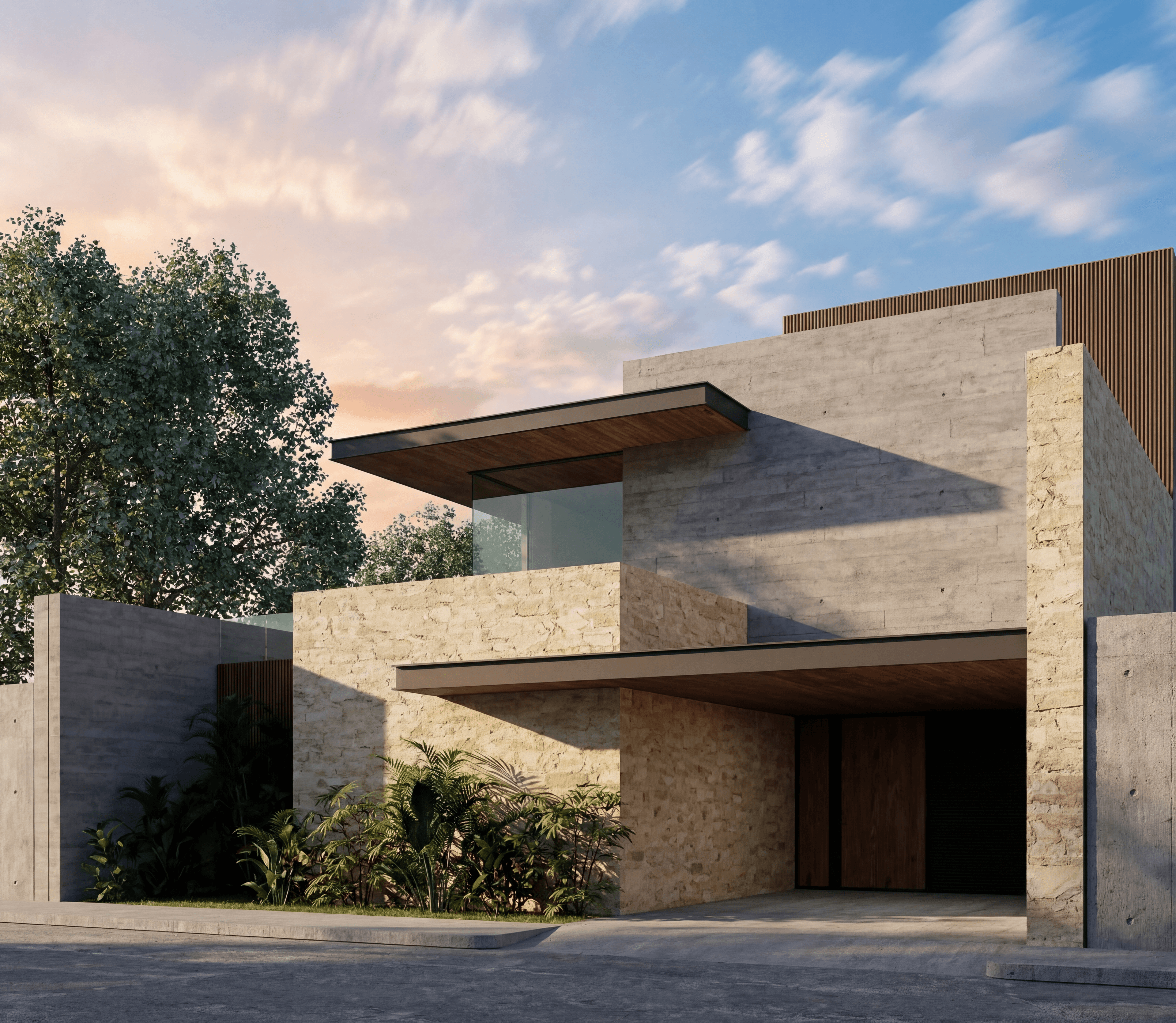
Search "V-Ray alternative" and you'll find a mix of other physically-based render engines (Corona, Enscape, Lumion) and, increasingly, AI rendering tools. That second category needs an honest framing, because the two aren't the same kind of tool — and pretending otherwise sets the wrong expectation.
V-Ray is the photoreal industry standard for a reason: it physically simulates light, materials and camera to produce technically accurate, delivery-grade images. AI rendering doesn't do that — it reads an input image and a prompt, and generates a new image that's visually convincing but carries no physical guarantee. This article is about where AI genuinely works as a V-Ray alternative — the concept and iteration stages — and where it doesn't even try to compete: final, physically-accurate delivery.
What "V-Ray alternative" should actually mean
If you're searching for a V-Ray alternative because you want the same kind of tool — full material control, physical light simulation, delivery-grade accuracy — the honest answer is: look at Corona, Enscape or a real-time engine like D5 Render, not an AI rendering tool. Those are architecturally the same category as V-Ray.
If you're searching because V-Ray is too slow for the stage you're actually in — early concept exploration, client "what if" questions, a same-day revision round — that's a different problem, and it's the one AI rendering actually solves. The mismatch that causes disappointment is using an AI tool expecting V-Ray-level physical accuracy, or using V-Ray expecting concept-stage iteration speed. Neither tool is wrong; the expectation is.
Where AI genuinely replaces a V-Ray step
The concept and pre-presentation stage is mostly spent on decisions that aren't final yet — material direction, massing feel, lighting mood. Running that stage through V-Ray means full scene setup, material assignment, and a real render queue for something that might get thrown out after one client meeting.
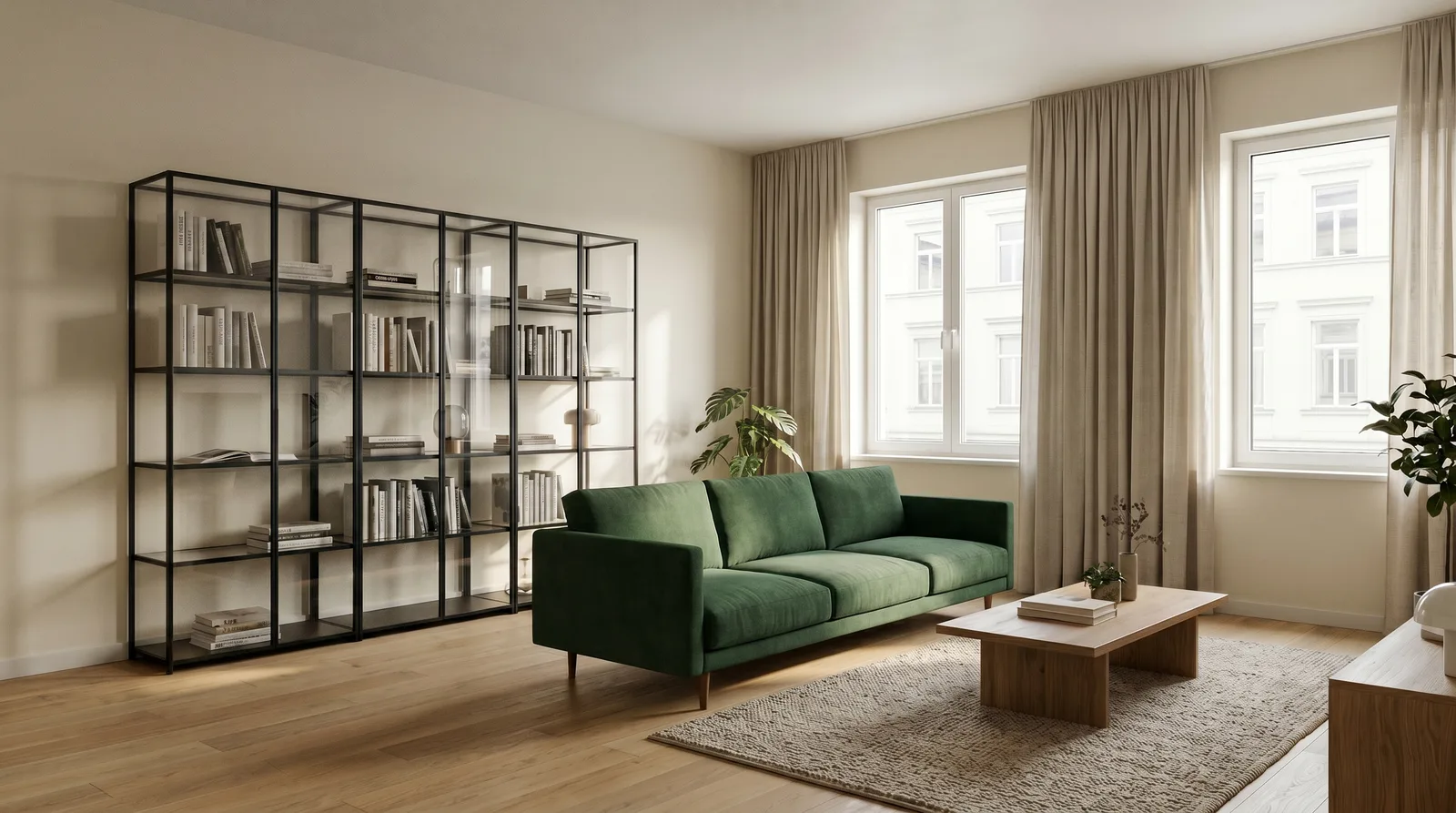
AI rendering compresses exactly that loop. Once a scene is captured or sketched, changing the material, light or atmosphere is an edit, not a from-scratch render — and edits typically resolve in seconds rather than minutes to hours. Here's what that control looks like on the same source image, first with a loosely-specified request, then with a precisely-scoped one:
A loosely-specified edit — "make the sofa green":
A precisely-scoped edit — "keep everything else the same, change ONLY the sofa to dark green velvet, same form and position":
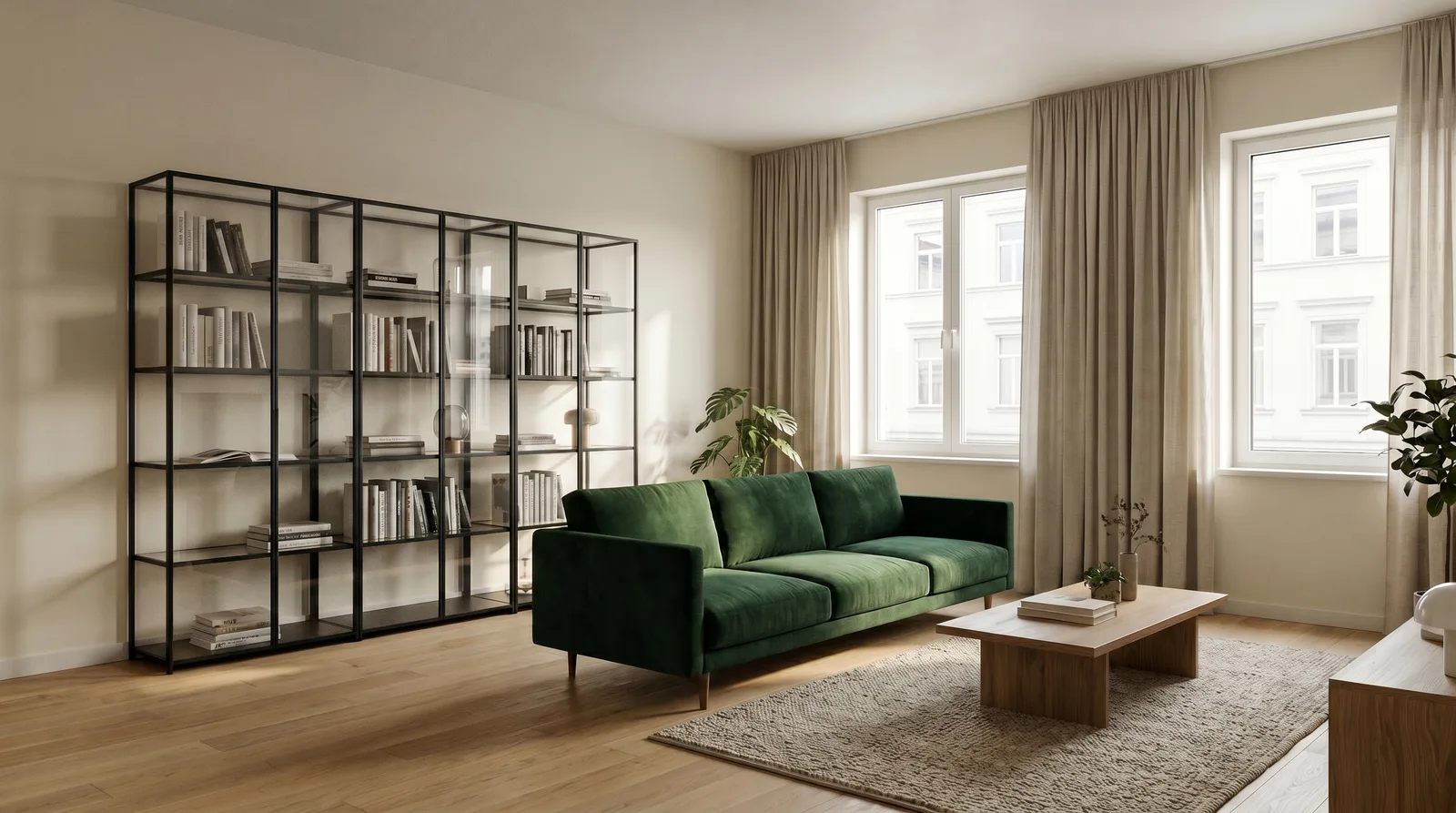
The lesson isn't "AI is unpredictable" — it's that AI rendering rewards the same discipline a good V-Ray artist already has: know exactly what you're asking for, and say what should stay fixed. When you do that, an iteration that would mean re-opening a scene file and re-rendering in V-Ray becomes a single edit request that resolves in seconds. That's the real "alternative" AI offers — not a better final image, a faster loop to get to the image you'll actually send to V-Ray (or skip V-Ray for entirely, if the deliverable never needed that level of accuracy in the first place).
Where V-Ray has no substitute
Be direct about this, because overselling AI here erodes trust in every honest claim made above:
- Physically calculated light and material. V-Ray simulates real light bounces, reflectivity, IOR. AI produces a visually plausible approximation — good enough to sell a concept, not good enough to verify a lighting design.
- Dimensional accuracy. AI doesn't know a room is really 4x5 meters; it produces a convincing composition, not a measured one.
- Delivery-grade final images. Marketing-grade, print-quality final deliverables where every material and shadow needs to hold up under scrutiny are still V-Ray's job.
- Animation and walkthroughs. V-Ray's temporal consistency across frames is not something a still-image AI workflow replicates.
If your deliverable needs any of the above, AI rendering isn't trying to be your V-Ray alternative for that step — full stop.
The workflow most studios actually run
In practice, the studios getting the most value aren't picking one tool over the other — they're sequencing both:
- Concept and direction (AI). Turn a sketch, viewport capture or reference photo into several fast material/light/atmosphere alternatives. Get client sign-off on direction here, where changes are nearly free.
- Client presentation rounds (AI). Handle "what if" revisions live or same-day — edit, don't regenerate, using the preservation-clause pattern shown above.
- Final delivery (V-Ray). Once direction is locked, build or finalize the V-Ray scene for the handful of angles that actually need delivery-grade accuracy — not all twenty concept variations, just the two or three that survived.
The practical effect: V-Ray's queue is reserved for images that actually need what V-Ray does best, instead of being spent on decisions that were still up for debate.
What "fast" actually means in practice
It's worth being concrete about the speed gap, because "AI is faster" is easy to say and easy to overstate. In a classic V-Ray pipeline, a single material or lighting change on an already-built scene still means: reopen the scene, adjust the material or light, and requeue a render — even a fast machine on a simple scene rarely resolves that in under several minutes, and a complex scene can take much longer. An edit request on an AI-generated image, by contrast, typically resolves in seconds to a couple of minutes end to end, because there's no scene to reopen — the model is working directly from the image and your instruction.
That gap compounds across a real client meeting. If a client asks three "what if" questions in a row, a V-Ray-based answer means three separate re-render cycles; an AI-based answer means three sequential edits you can run and show live, one after another, without leaving the room. That's not a claim about final image quality — it's a claim about how many rounds of feedback you can absorb in the time you actually have.
Cost and time, side by side
If you want the actual math behind this — staff time, electricity, and AI credit cost worked through two real examples — see the dedicated breakdown: How Long Does Architectural Rendering Take? AI vs V-Ray Cost & Time. That article covers the numbers in depth; this one is about which stage each tool belongs in.
FAQ
Is AI rendering a full replacement for V-Ray? No, and it isn't trying to be. AI rendering is a fast alternative for concept, variation and iteration; V-Ray remains the tool for physically accurate, delivery-grade final images.
If I only need fast client-facing visuals, do I need V-Ray at all? Not always. If your deliverable is a sales visual, a competition submission board, or a "does this direction work" check — not a technically verified final image — AI alone can be enough. The moment dimensional accuracy or physical material verification matters, bring V-Ray back in.
Why does the same edit sometimes come out differently than expected? Because the model fills in anything you don't specify. The fix is the same discipline shown above: state what stays the same, then exactly what changes — see our prompt-writing guide for the full pattern.
Is Corona or Enscape a better "AI alternative" search than an AI tool? If what you actually want is a different physically-based render engine, yes — those are the right category. If what you want is speed at the concept stage, an AI rendering tool is the better fit.
Want to see the concept-to-presentation speed for yourself? Try AI architectural rendering or start free.