
Upload a sketch. Get a sales-ready facade.
Upload a facade sketch, floor plan, or scene capture — get day, night, and golden-hour variations of the same composition in minutes.
 Hero output
 Same frame — Golden hour
 Same frame — Night
One frame, four lighting moods
Keep the composition fixed and compare day, night, golden-hour, and overcast looks on the same facade side by side.
Ready for sales material
Get exterior frames up to 4K resolution, ready to drop straight into brochures, listings, and landing pages.
Cheaper revisions
When a material or landscape changes, you don't rebuild the scene — you generate a new variation from the same input.
Example Outputs
Sample frames from this workflow.
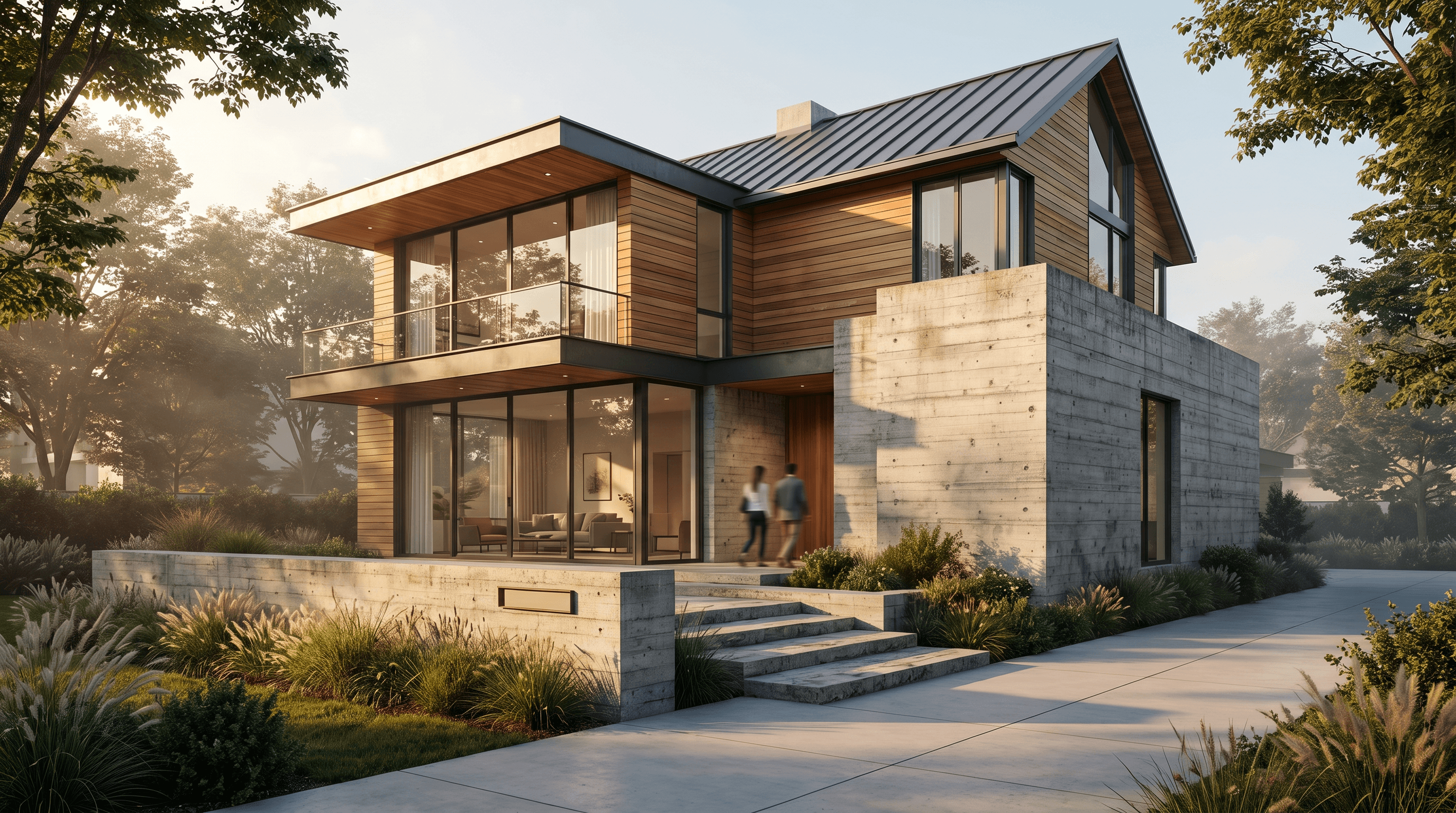
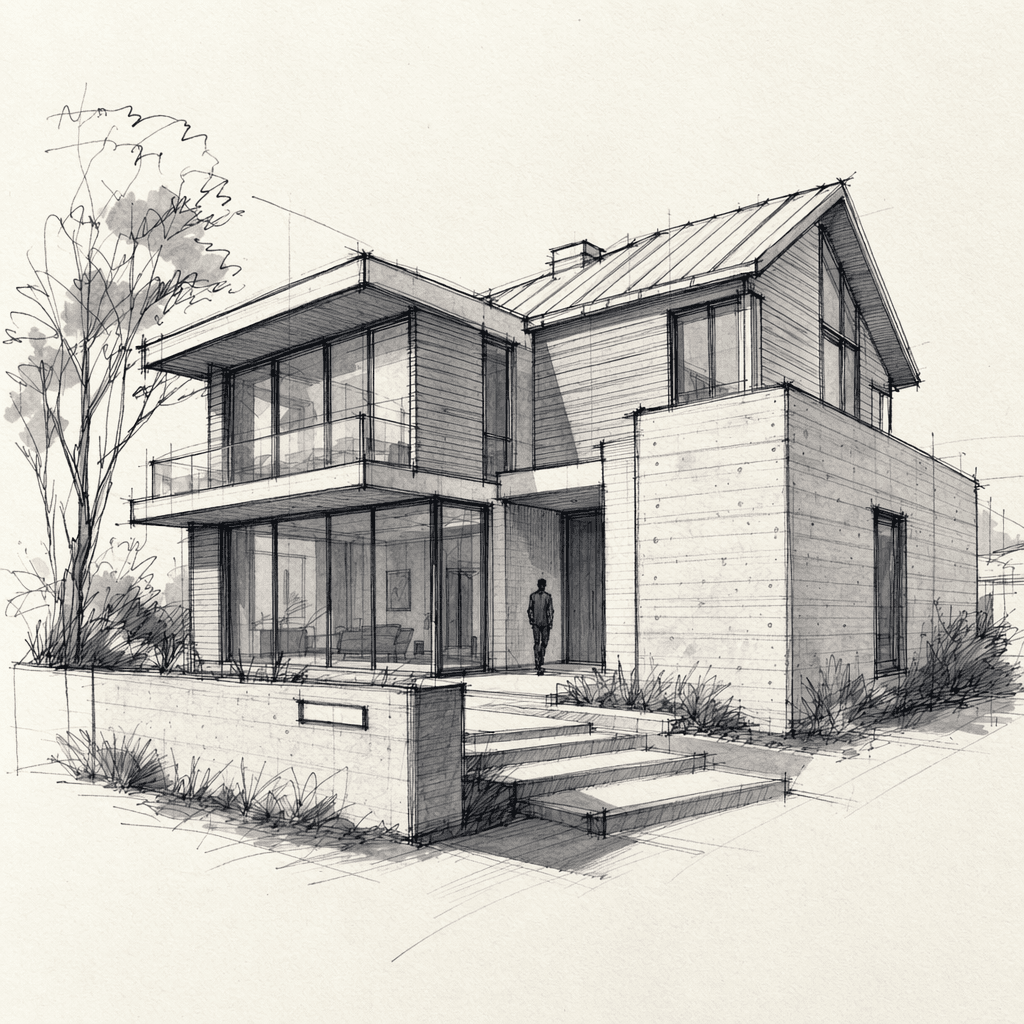
The headline flow itself: a sketch goes in, a sale-ready facade comes out. The 'same frame, four lights' set is in the gallery below — the daytime base plus three lighting variants.
Same frame — Golden hourSame frame — Night Same frame — Overcast
How It Works
From brief to output in three steps.
- 01
Upload your source
Add the facade sketch, plan, or viewport capture, and clarify the target style with a reference image.
Input: Facade sketch or floor plan, Viewport capture from a 3D scene, Reference style images, A short project brief
- 02
Open up variations
Change the time of day, material palette, and landscape density to produce alternative frames from the same composition.
- 03
Hand off to the presentation
Pick the strongest frames and export them at high resolution for a brochure, listing, or client presentation.
Output: Presentation-quality exterior visuals, Multiple lighting and style variations of the same scene, A fast iteration workflow built for revisions
Scenarios
Where it's used in the field.
- Villa and residential project presentations
- Sales office and launch visuals
- Landscape and exterior concept variations
FAQ
Frequently asked questions
- Do I need a full 3D model for exterior visualization?
- No. You can start from a sketch, a floor plan, a viewport capture, or an existing render draft.
- Can I change the landscape and weather?
- Yes. Planting density, seasonal feel, time of day, and overall atmosphere can all be varied in the same workflow.
- Do I need separate shoots for golden hour or a night scene?
- No. You can generate day, night, and golden-hour variations from the same composition in one workflow, just by changing the time of day and light direction.