
The architectural AI preset catalog
Syntina's presets are one-click pipelines built for real architectural workflows. Review each one on its page with before/after examples, then try it with your own image.
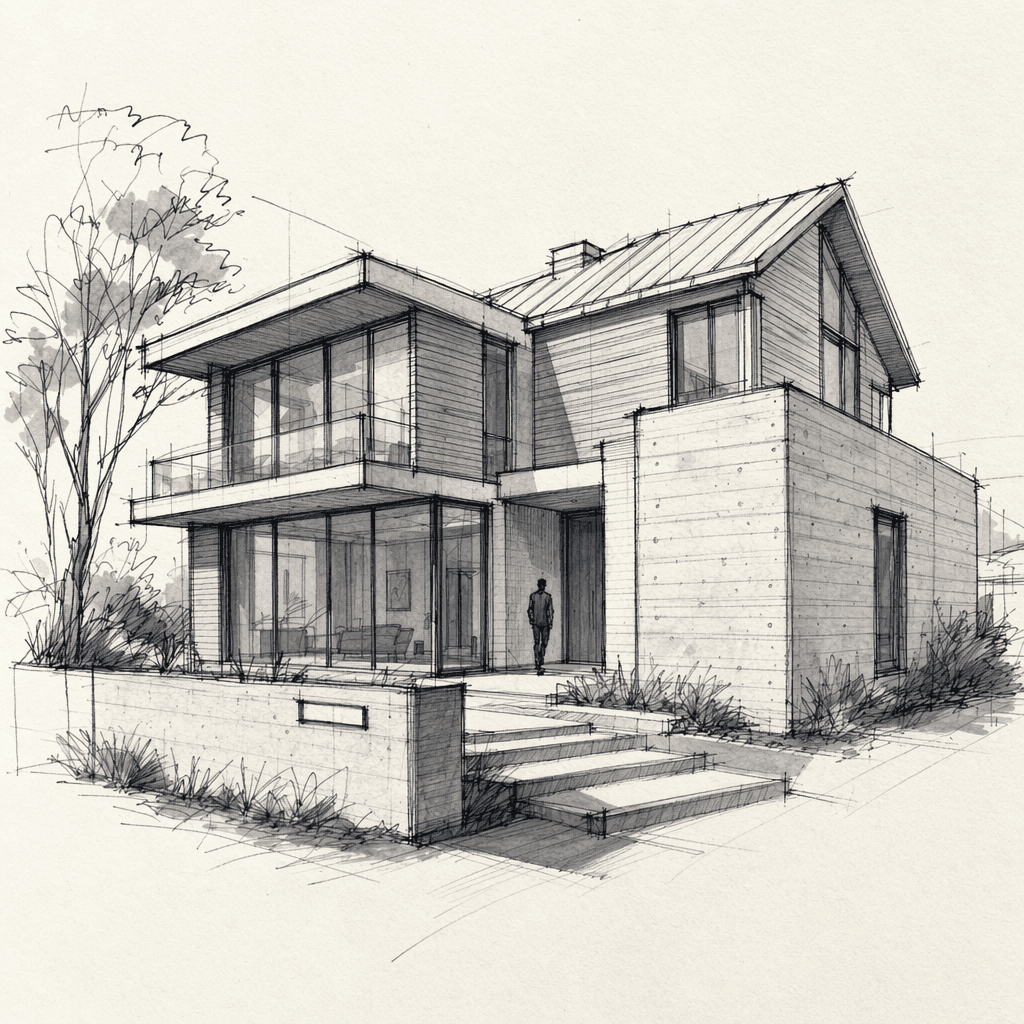
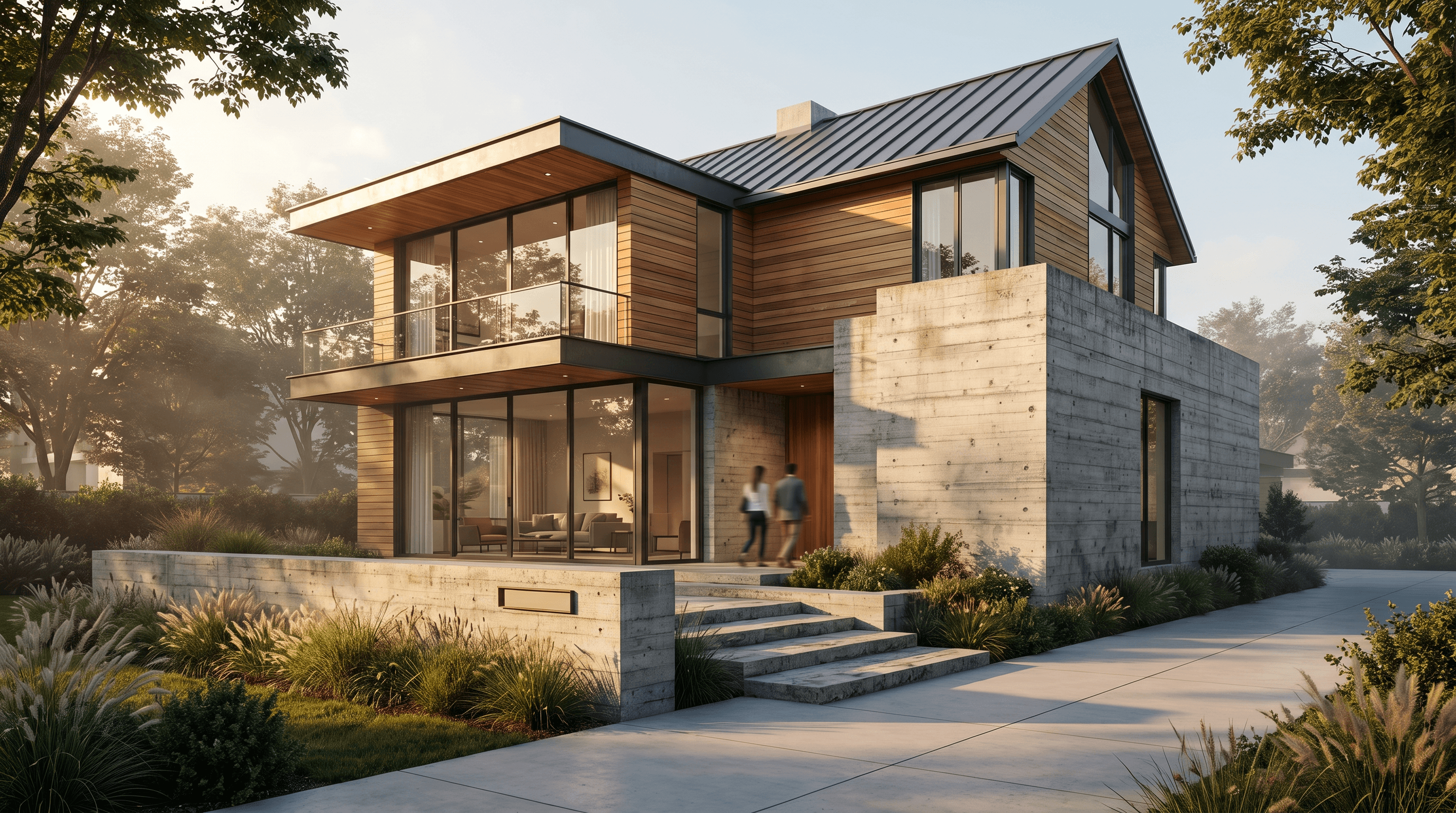
Sketch to Render
Sketch → Render
From a hand-drawn concept sketch to a photorealistic image your client can approve
Go to preset page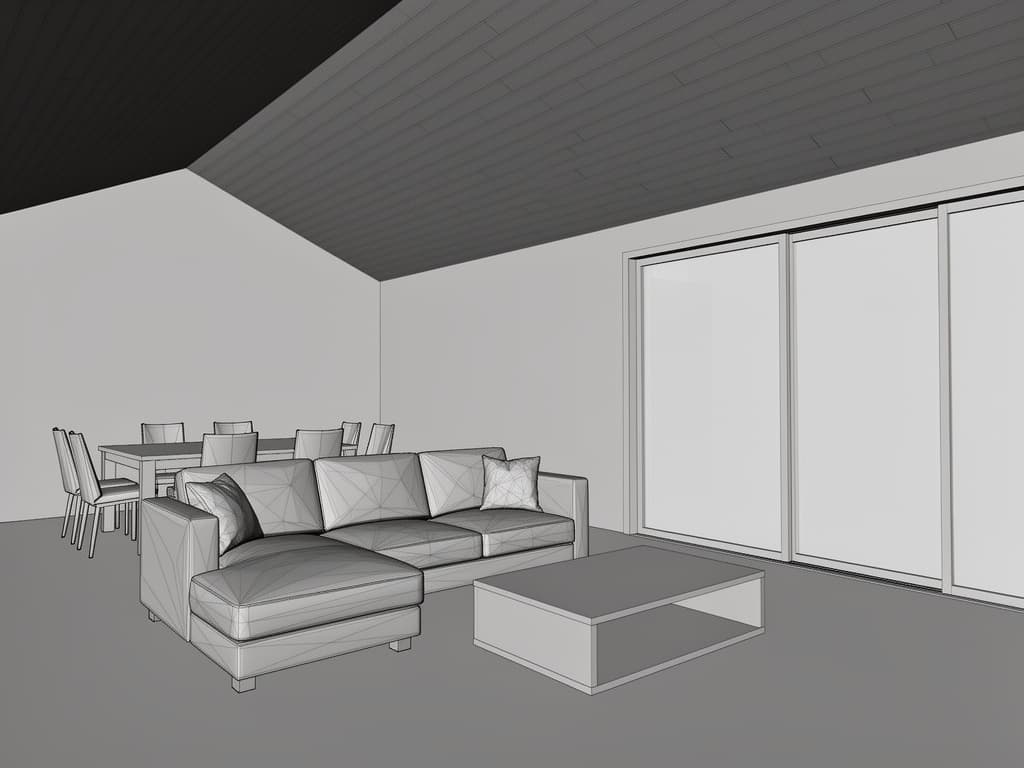
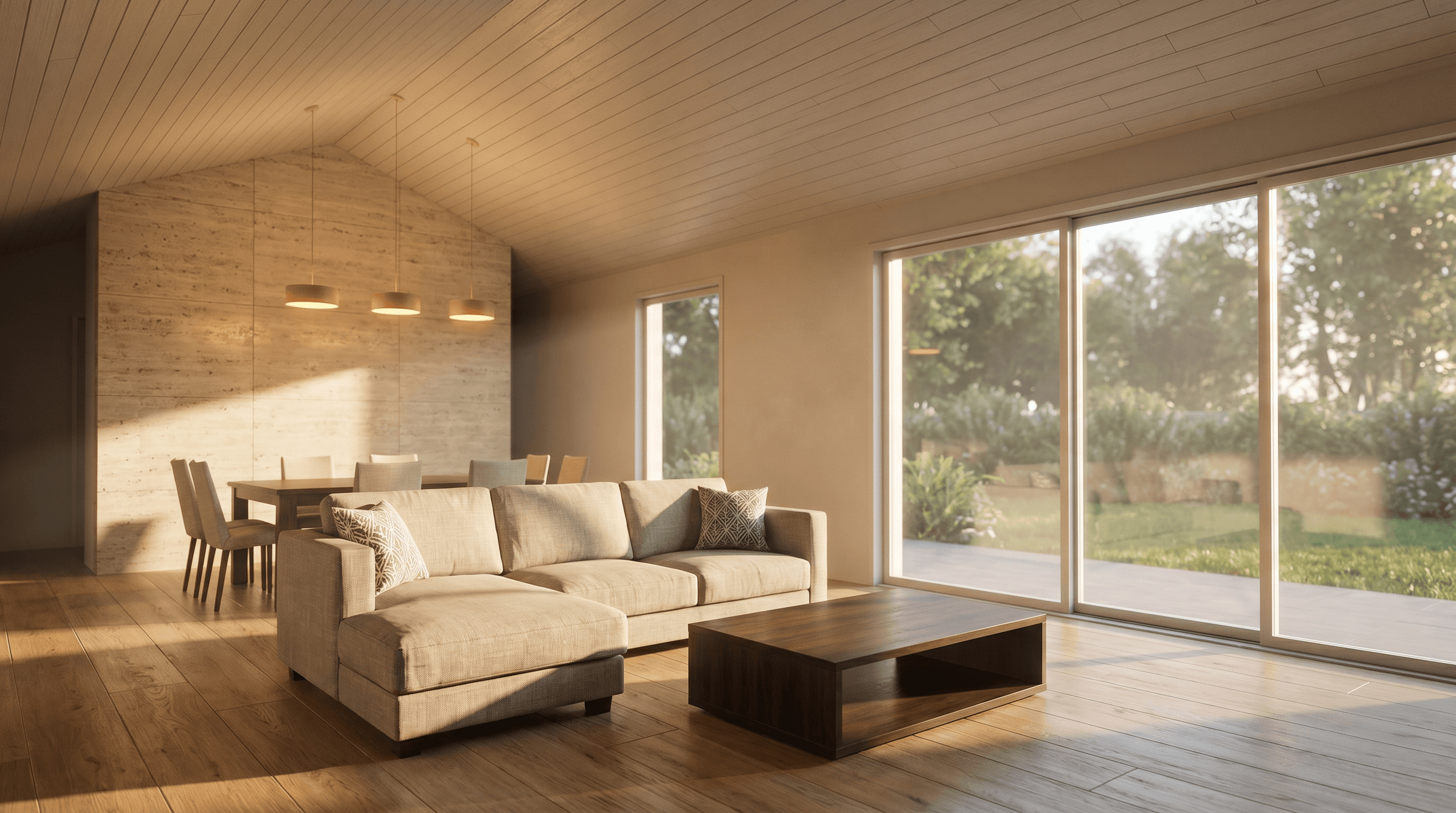
View to Render
3D View → Render
Turn a plain viewport capture from your modeling software into a photorealistic presentation render
Go to preset page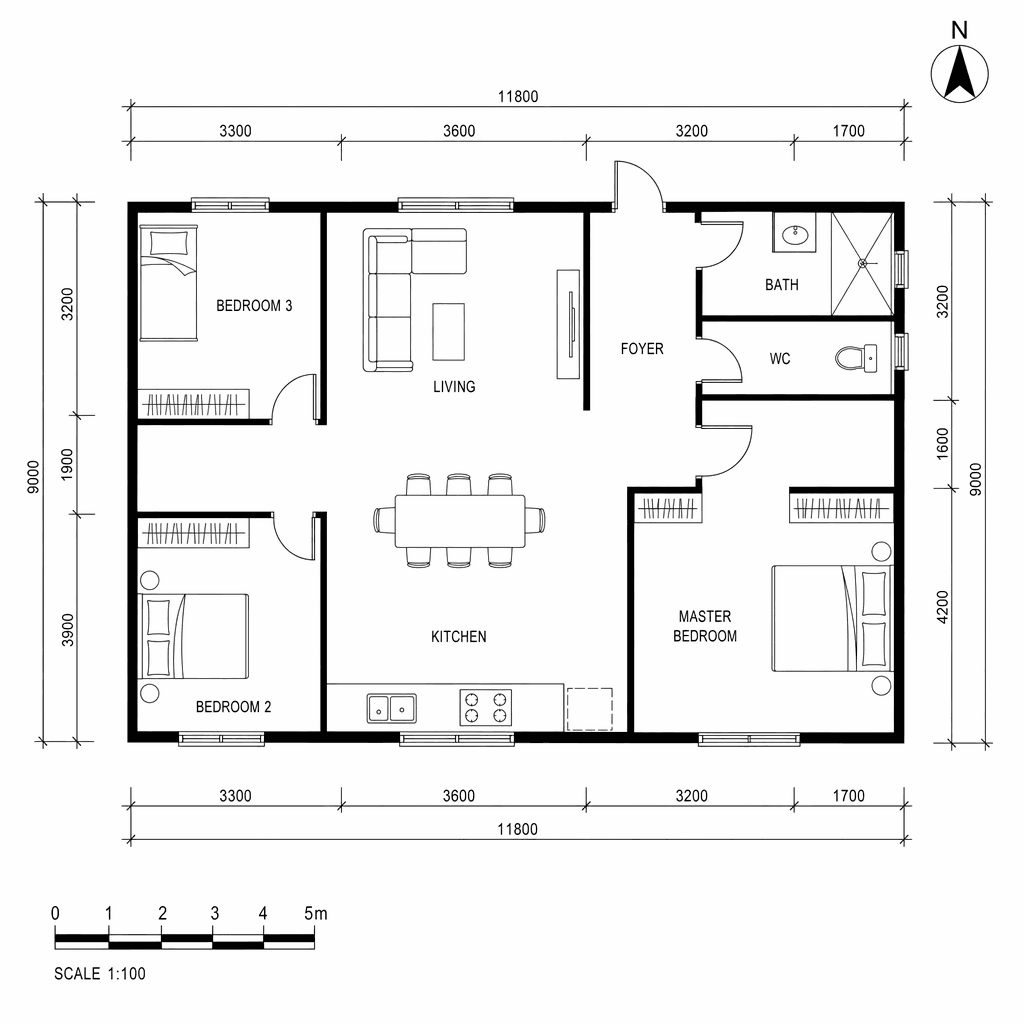
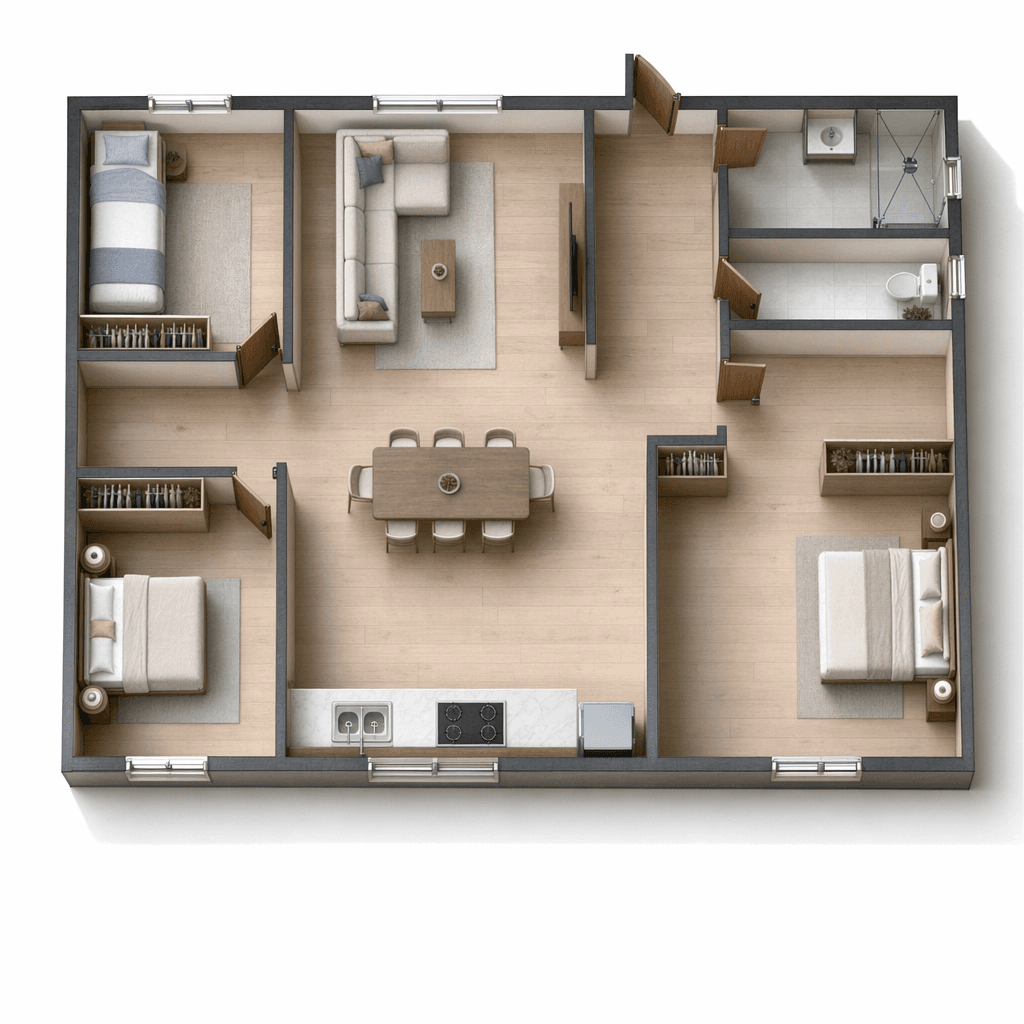
Floorplan to 3D
Floor Plan → 3D
From a CAD blueprint to a furnished, lit, and material-finished top-down render in a single step
Go to preset page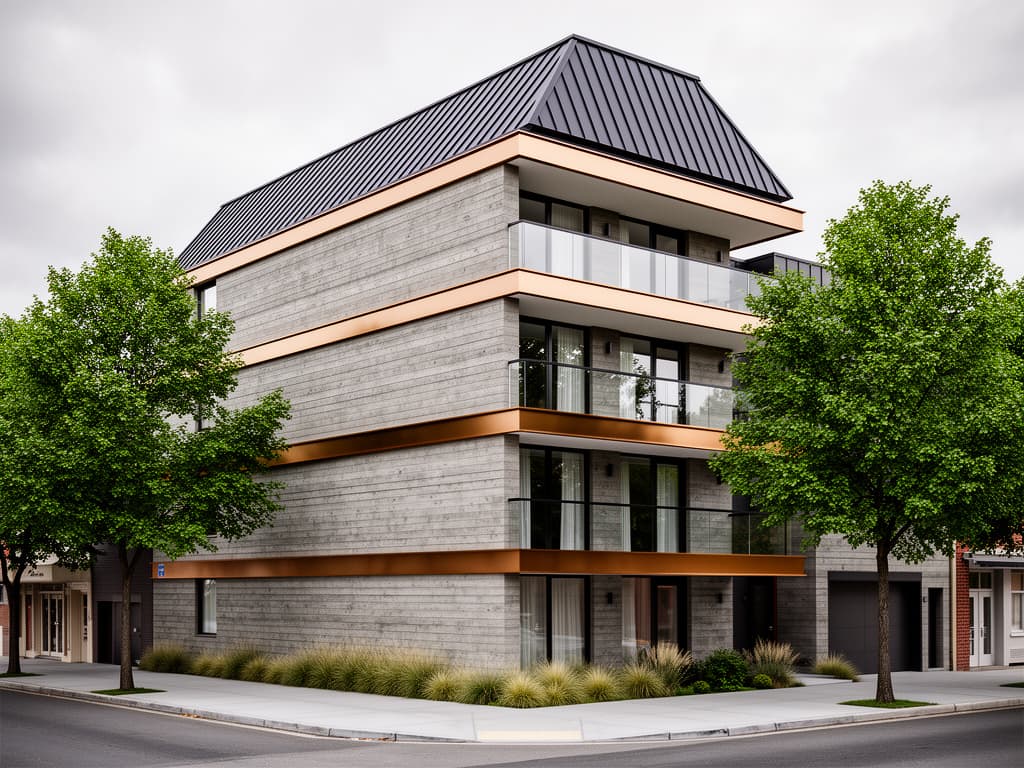
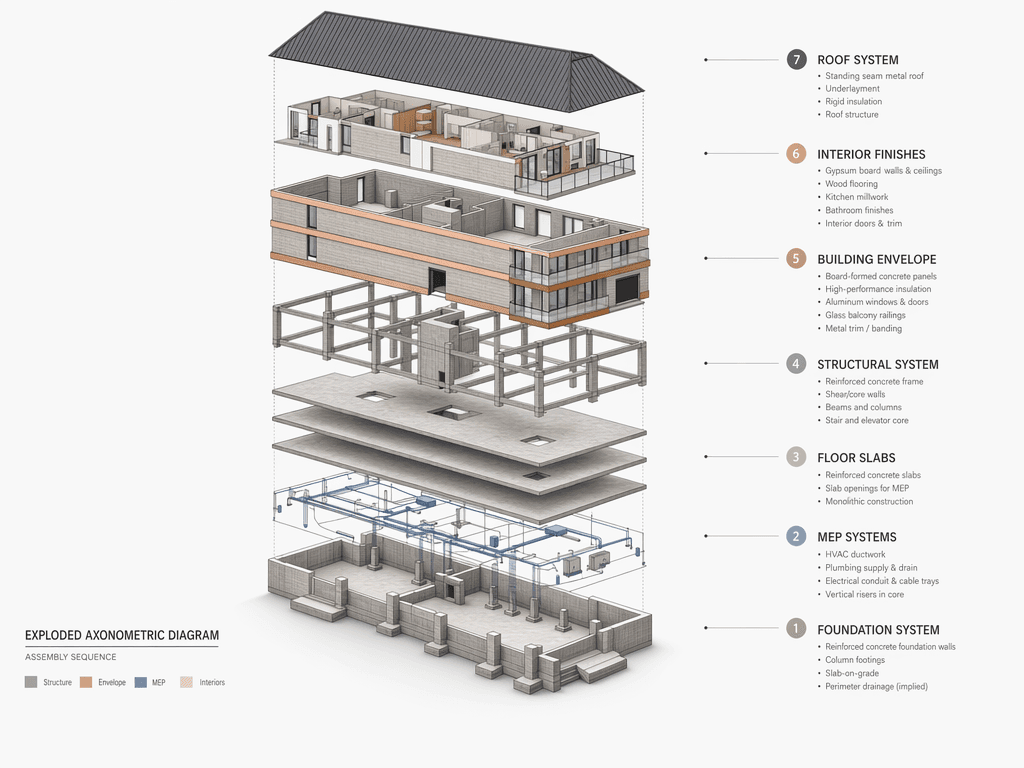
Exploded Diagram
Exploded Axonometric
The construction-system drawing every competition panel needs — explained, then generated from an architectural photo or 3D render in about a minute
Go to preset page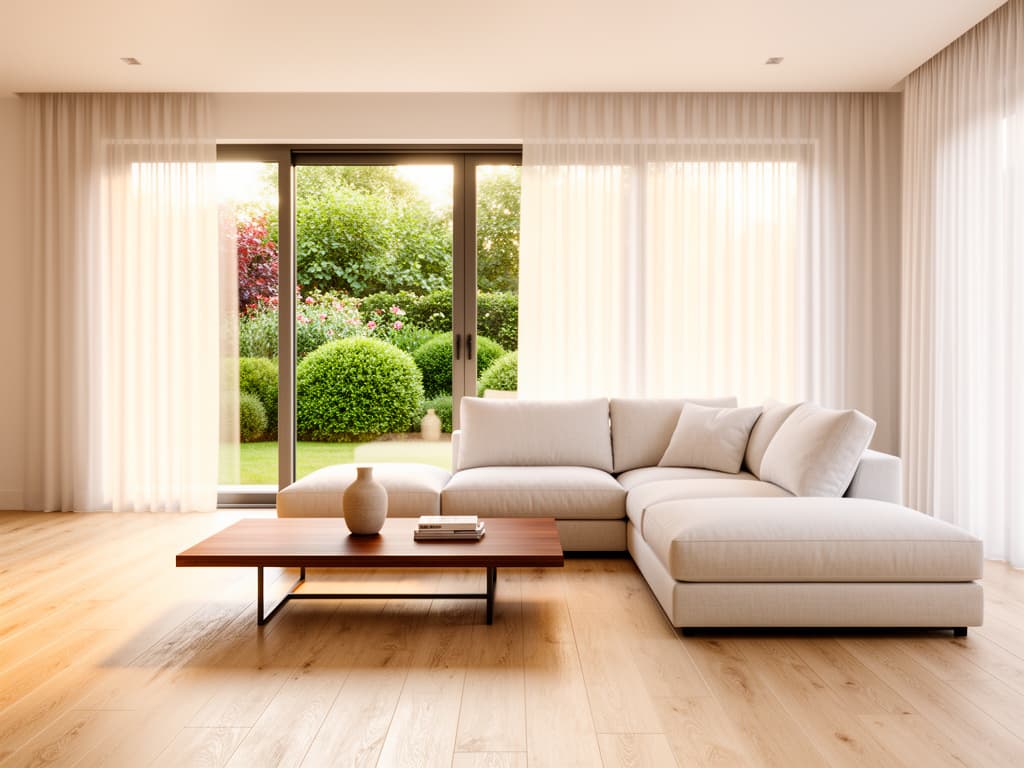
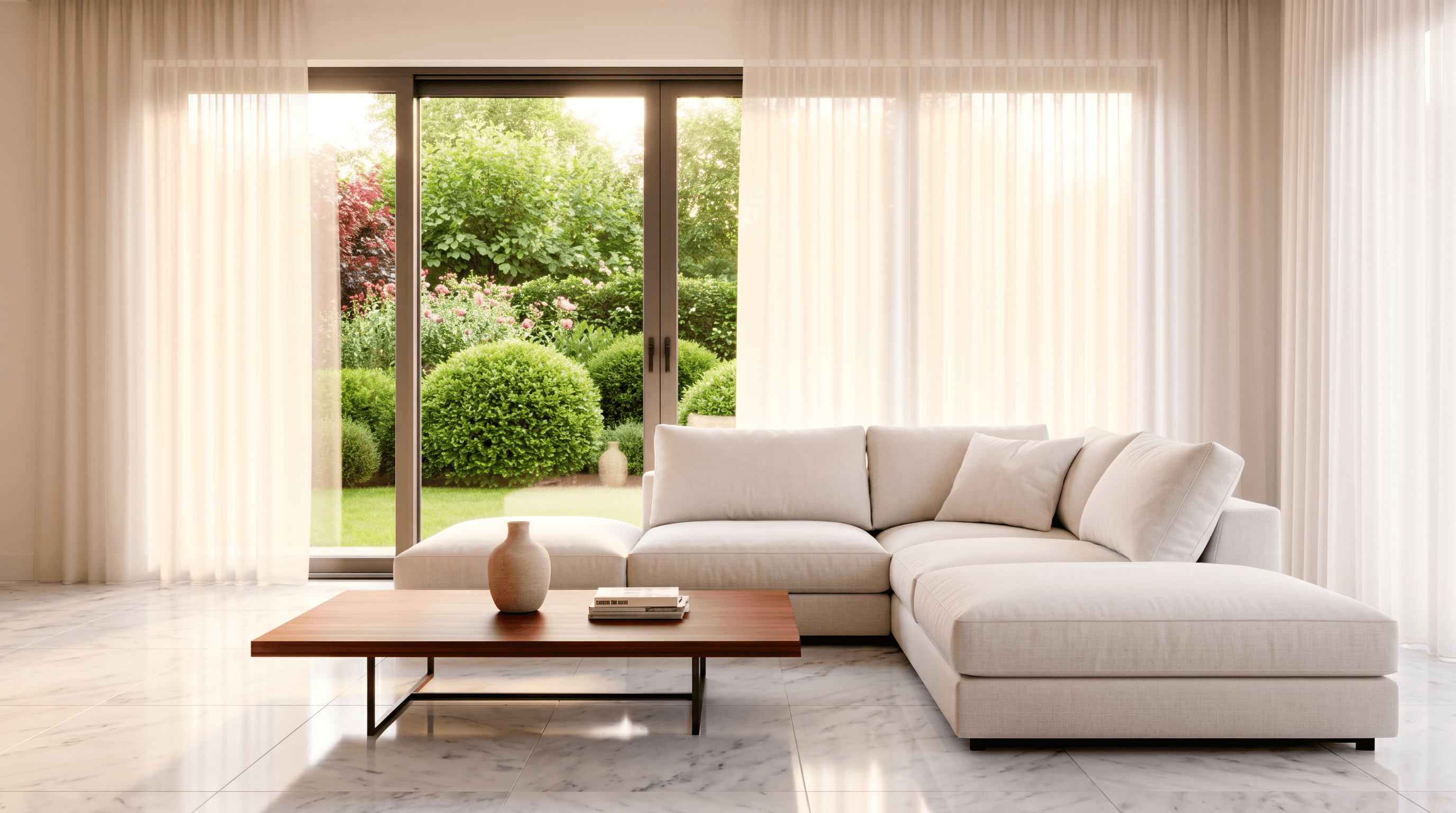
Change Material
Change Material
When the client says 'what if this parquet were marble instead' — seconds, not minutes
Go to preset page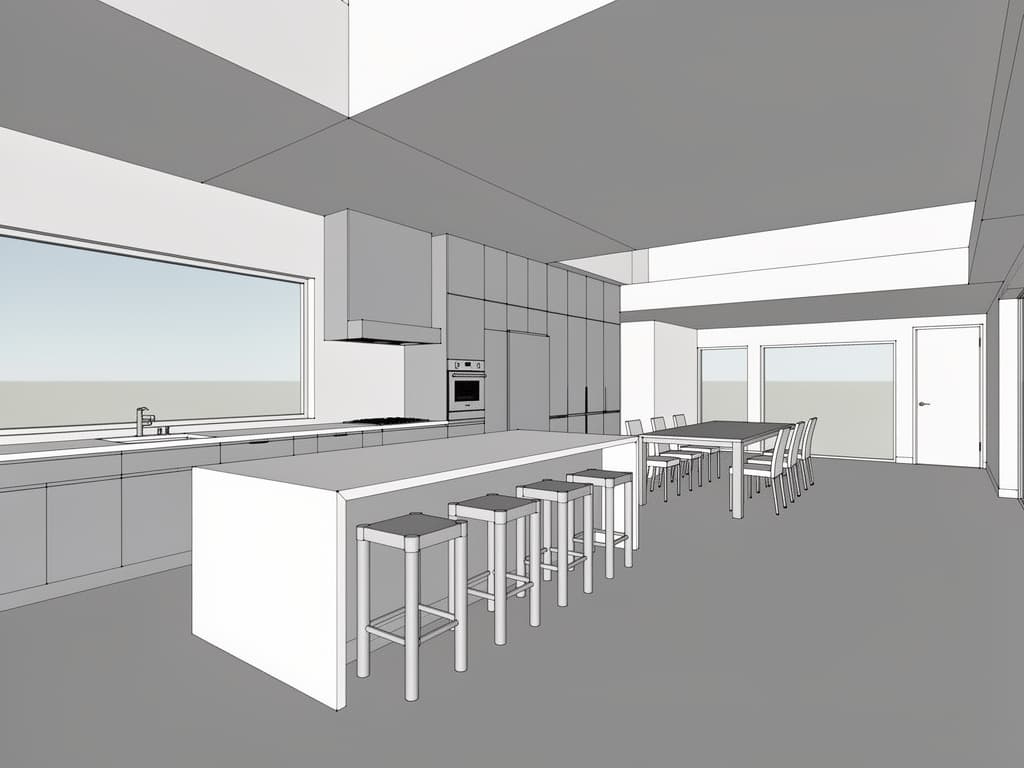
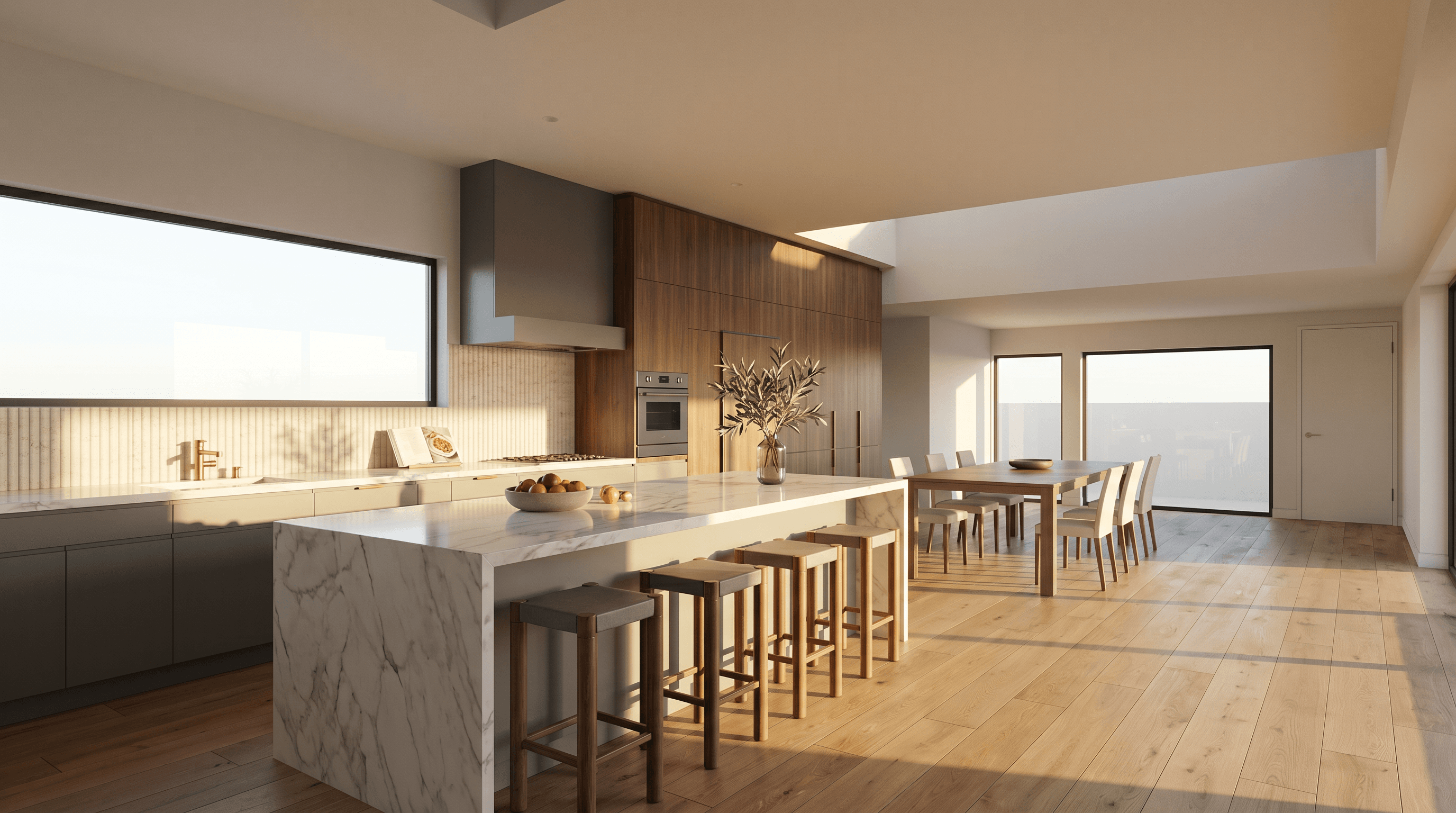
Add Realism
Add Realism
From the soft plastic look of a default render engine to a magazine-cover image in one step
Go to preset page