
AI rendering for architecture and interior design courses
Give a studio course a tool that turns a sketch into a render, a plan into an exploded axonometric and a model view into a presentation image, without a render farm or a GPU lab. Free for educators, a credit pack for every enrolled student, and a live workshop to open the semester.
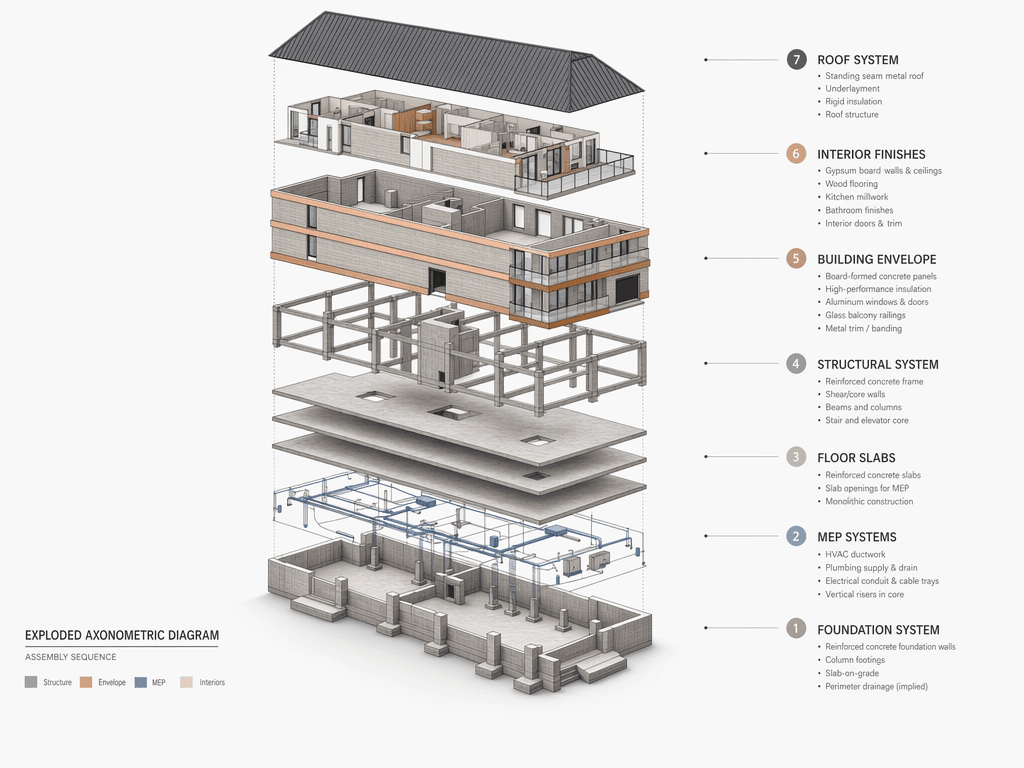
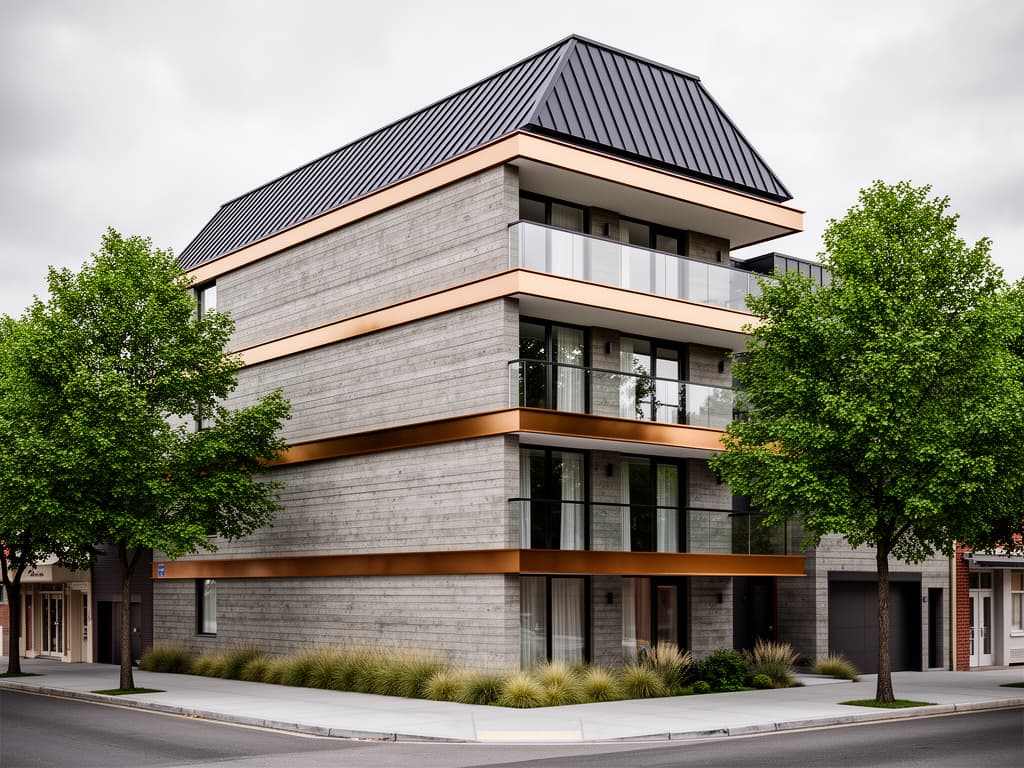
Photo → exploded axonometric, jury-board output
What the program includes
Built for a semester, not a demo
Educator account, 6 months
A Pro account for the instructor for the duration of the course: every preset, every model, the web canvas and all three plugins (SketchUp, 3ds Max, Blender). No card, no expiry surprise mid-semester.
150 credits per enrolled student
A class credit pack on top of the free signup credits, roughly 15–50 renders per student depending on the model. Enough for a jury board, not enough to skip the design work.
60-minute live workshop
An online session with the Syntina team at the start of the course: presets, references, prompts, the exploded-diagram and section flows, and the honest limits of AI rendering. Recorded for students who miss it.
Course resource page
A page you can link from the syllabus: install links for the plugins, the preset guide, the prompt guide and the jury-board workflow, kept up to date by us so your course material doesn't rot.
Curriculum-friendly presets
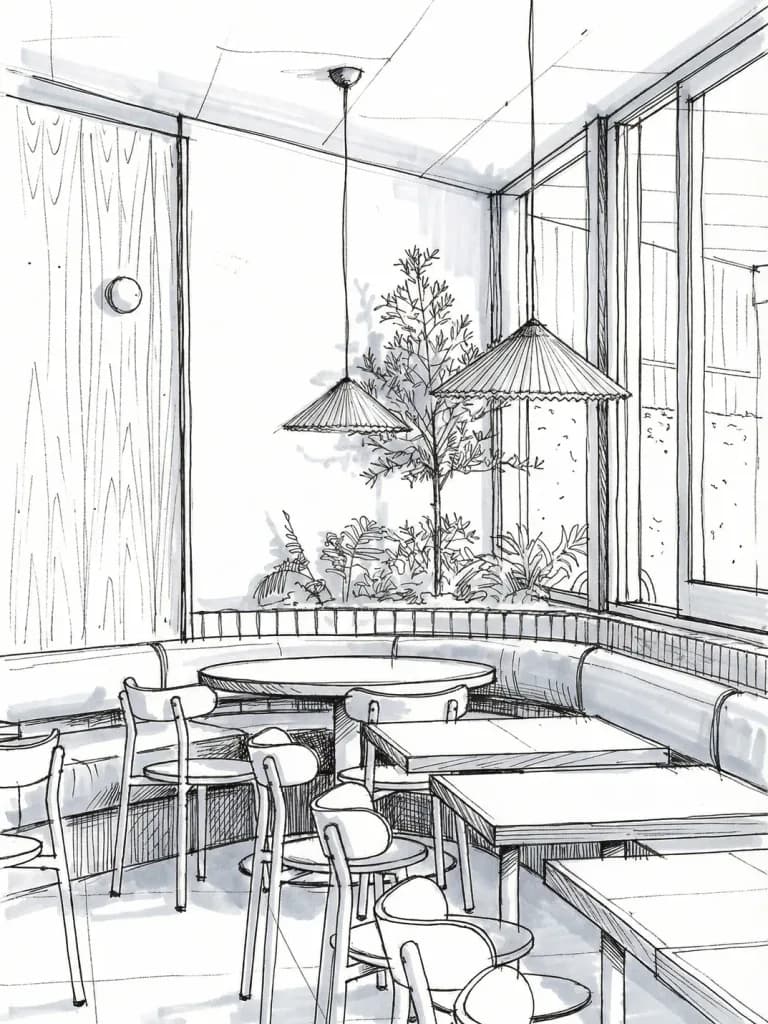
Sketch to Render, Section Drawing, Exploded Axonometric, Floorplan to 3D, Change Material and Day to Night map to the way studio deliverables are actually assigned.
A real feedback channel
A shared channel with our product team for the semester. Student boards that break the tool are useful to us, and we say so.
What we ask in return
Three things, none of them money
The program is free for the institution and for students. We ask for what makes it work for the next course too:
- List Syntina among the course tools or resources on the course, department or school page (a public link to this page or the plugin page is what lets other instructors find it).
- A 30-minute feedback call with the instructor at the end of the term.
- Permission to show two or three student boards on our site and social channels, with the students' names and consent.
How it works
From application to first render in under two weeks
- 01
Apply with the form below
Course name, institution, expected number of students (minimum 10), the software your students already use (SketchUp, Rhino, Revit, Blender, 3ds Max) and the term dates.
- 02
We set up the class
The educator account and the course resource page are ready within five working days. Students sign up with their school e-mail; you send us the class list and we add the credits to each account.
- 03
Workshop in week one or two
A 60-minute online session, ideally with the first studio assignment already handed out so the examples are the students' own work.
- 04
Semester, then feedback
Students work on their own accounts through the term. At the end we talk for half an hour about what worked and what didn't, and the course keeps its resource page.
Workshop outline
What the 60 minutes cover
The session is hands-on: students follow along in their own accounts with their own sketches or model views.
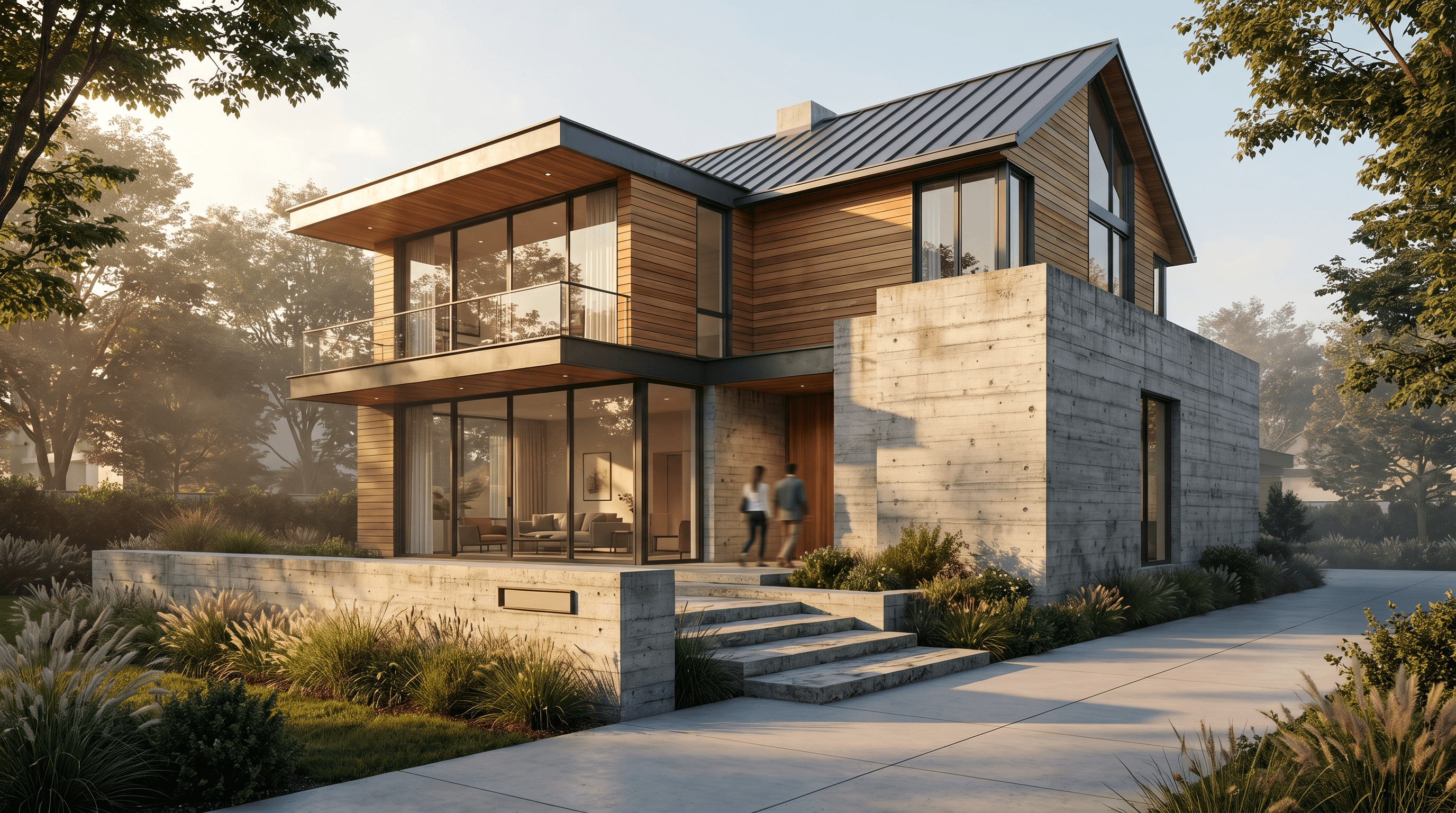
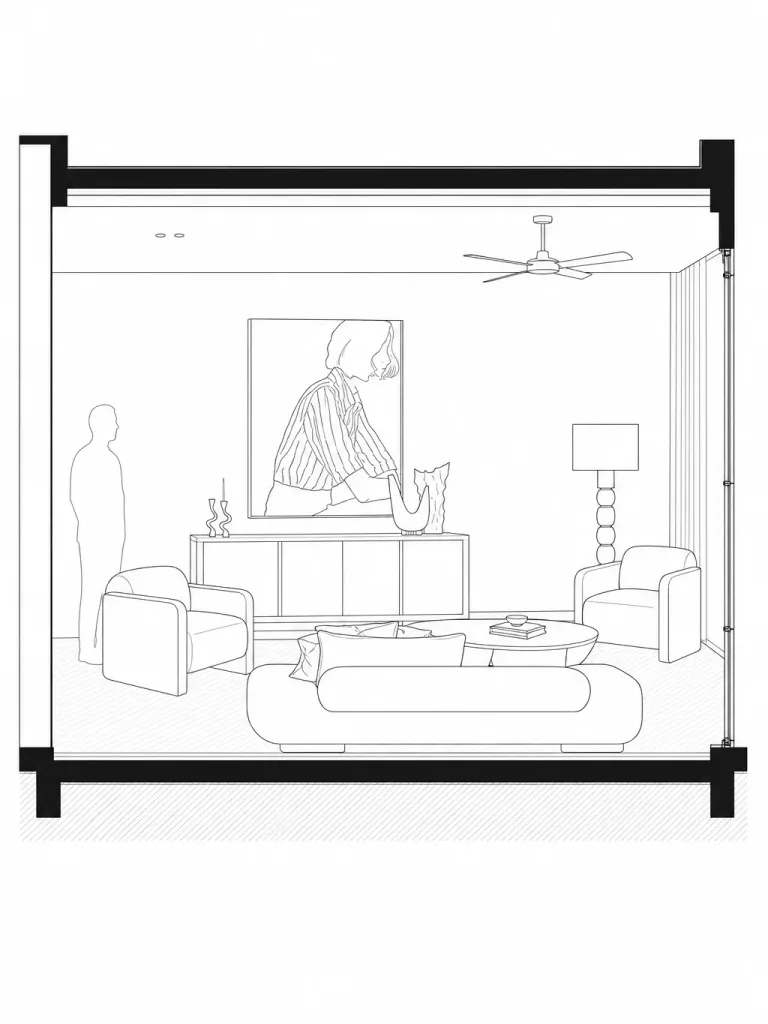
- 0–10 min · What AI rendering is and isn't
- Where it fits between a sketch and a final render, and why it doesn't replace V-Ray, Corona or a physically based engine for construction-stage images.
- 10–25 min · Sketch to render, live
- A student sketch or a SketchUp/Blender view through View to Render and Sketch to Render; references, brief and the three settings that matter.
- 25–40 min · Plan and section deliverables
- Floorplan to 3D, Section Drawing and Exploded Axonometric on a student project; how to keep one visual language across a board.
- 40–50 min · Revision rounds and materials
- Change Material, Day to Night and Golden Hour as design-iteration tools, not just presentation polish.
- 50–60 min · Jury board assembly + Q&A
- Ordering outputs, resolution and export, credits budgeting for the term, and questions.
Where we've done this
Sessions with schools and communities so far
Syntina started in Türkiye, where more than 1,000 architects and 100+ paying studios use it. The education program grew out of these sessions; the English program opens the same format to schools elsewhere.
İstanbul Gelişim University · Arch AI Summit 2026
Keynote on AI as a design partner in architectural education, with live sketch-to-render and diagram demos.
MimariSpace webinar · AI in architectural visualization
Live online session for a Turkish architecture community, the format the course workshop is based on.
The student workflow, page by page
Jury board, studio deliverables and portfolio visuals from sketch, plan and model view.
Frequently asked
What instructors ask before applying
- Is it really free for the school and the students?
- Yes. The educator account, the 150-credit packs and the workshop cost nothing, and there is no purchase requirement at any point. Students who run out of credits can buy more on the normal student-friendly plans, but nothing in the course depends on it.
- Which software do students need?
- None beyond a browser. The web app takes a sketch, a photo, a plan or a model screenshot directly. If the course already uses SketchUp, Blender or 3ds Max, the free plugins render from the viewport without exporting; Rhino, Revit and Archicad users export a view image and work in the web app.
- Does AI rendering undermine what we're teaching?
- It can, if it's used to skip design decisions. The workshop is explicit about this: Syntina produces variations of what the student already drew or modelled, it does not design for them, and the tool is weakest exactly where the design is vague. Most instructors use it for iteration rounds and board production, and keep hand drawing and physical models where they were.
- What about student data and generated images?
- Students sign up with their own e-mail and own the images they generate. Model files never leave the student's computer; only the view image is sent for rendering, and the AI providers we use are listed in our privacy policy. If the institution has a data checklist, send it with the application and we'll answer it point by point.
- Can we run the workshop in person, or in another language?
- Online is the default. In-person sessions are possible in Türkiye and, depending on timing, in the UAE and Europe. The workshop is delivered in English or Turkish; course material is in English.
- Why a minimum of 10 students?
- Below that the workshop and the setup don't make sense as a program; an individual instructor or a small elective can simply use the free plan and the student use-case page, and we're happy to answer questions by e-mail.
Apply
Tell us about the course
Instructors, department coordinators and student-club leads can apply. We reply within five working days.
Please include: institution, course name and level, expected number of students (minimum 10), the software students already use, and the term dates.