
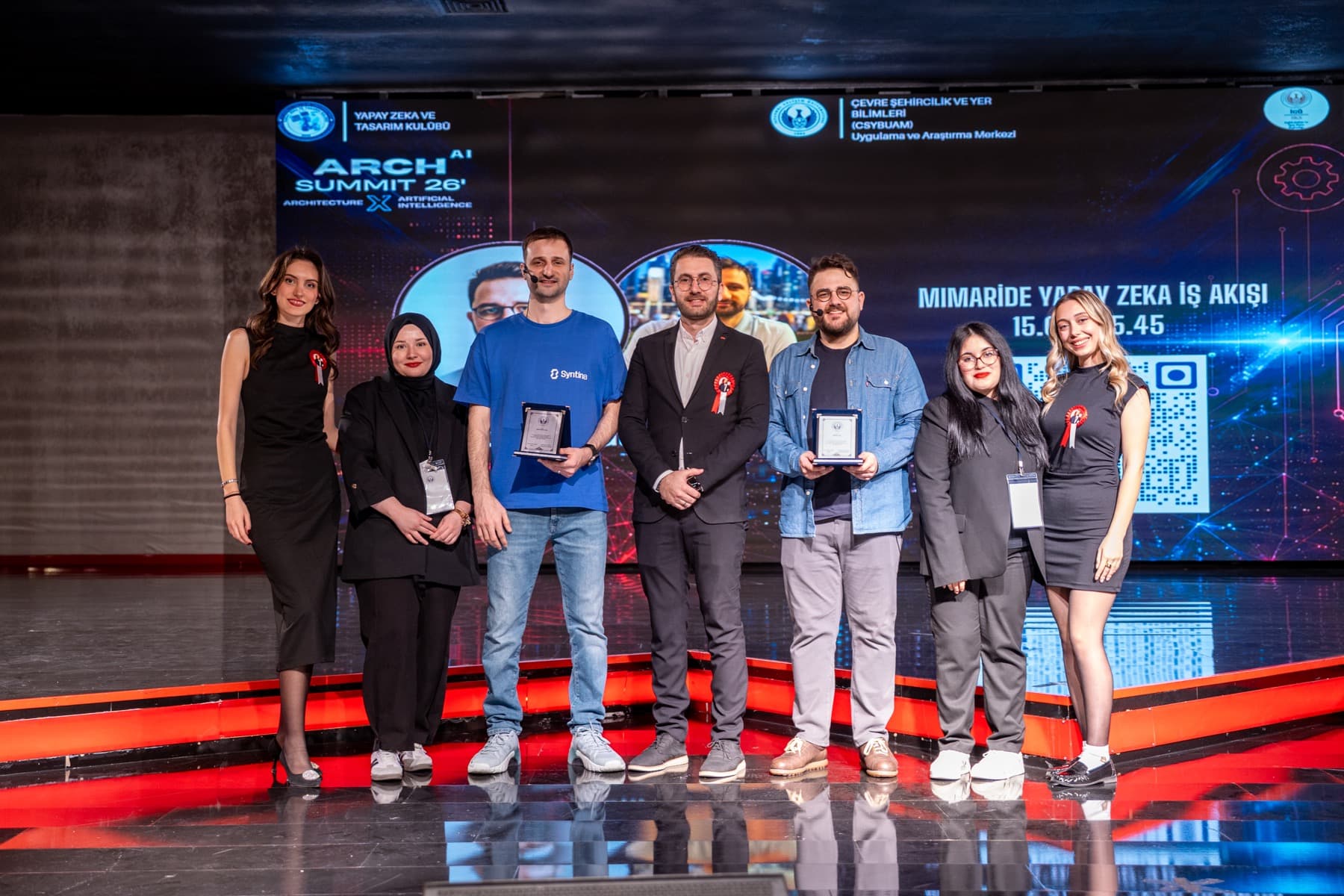
Highlights from the event
- We explained how Syntina AI shows up in architecture not just for visual generation, but in decision-making and presentation workflows too.
- We unpacked real production problems around speed, quality, design-language consistency and variation generation throughout the talk.
- We shared the platform's standout capabilities: fast presets, GenAI image and video generation, a video editor, and team plans.
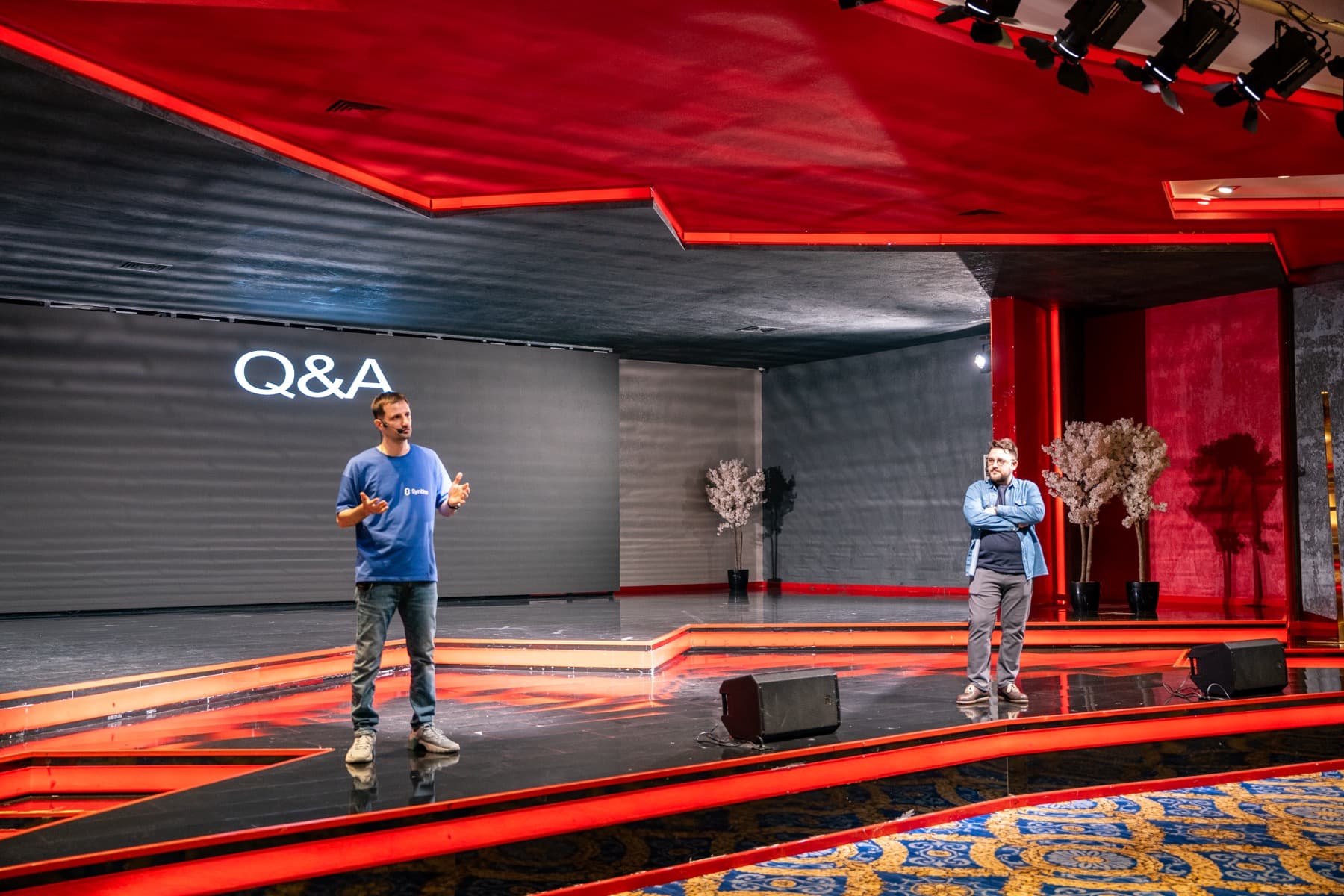
- We closed the session with a Q&A focused on practical AI use in architecture with students and attendees.
The talk's framing
We opened by putting architecture, technology, digital transformation, design, AI and speed on the same ground. Our core argument: for AI to become meaningful in architecture, it needs to be positioned not just as a new tool, but as a production partner properly placed inside the workflow.
So rather than just introducing a tool, we spent the session explaining where architecture firms are actually struggling today, which bottlenecks are lowering design quality, and where AI produces value against those exact bottlenecks.
What's the real problem in architectural practice today?
The talk focused on three core problems in particular: keeping up with new tools and technology, repetitive revision cycles, and the need to keep design language consistent as a team grows. A meaningful share of a design team's time goes into re-production, fixes and presentation prep.
We also emphasized that revisions, expectation management, presentation quality and repetitive work aren't just operational issues anymore — they directly affect design quality. When less time is left for creative thinking, decision quality drops too.
- Keeping up with new tools and technology
- Repetitive revisions
- Maintaining a consistent design language
- Presentation and expectation-management pressure
How we position Syntina AI
One of our key messages was that AI isn't just for generating images. The real value for an architect is getting a good first output faster, trying more variations on the same idea, and building a stronger narrative for the client.
We summed up the bigger picture in four words: quality, design, speed and variation. Syntina AI's approach is built on that balance — as an assistant that leverages a designer's ability, not one that replaces the architect.
Product highlights we shared at the event
During the talk we shared the platform capabilities that stood out most for architecture teams: fast presets, GenAI image and video generation, a video editor, 40+ AI models, business-focused team plans, and design-library integration with AI.
The numbers made the case just as clearly: roughly 95% time savings on render production, about 90% cost advantage, a 10x increase in variation output, roughly 30 seconds to a first result, 800+ users, and 50,000+ total images generated.
Q&A after the talk
After the talk we moved into a Q&A on stage. Attendees asked in particular about how AI integrates into a professional workflow, how it changes the architect's role, and where it produces real advantage in client presentations.
This part was one of the most valuable pieces of the event, turning the talk from a one-way presentation into an open dialogue with students and professionals. For us, hearing questions directly from the field and explaining our approach through real use cases mattered a lot too.