
Bring your input.
A photo, a sketch, a plan or a view of your 3D model. No image? You can start generating from text too.
ImageSketchTextReference
From sketch to render. From one frame to video. From an object to a 3D model. Upload your image and give your idea a new dimension with Syntina’s AI.
The video could not be opened. Try again with the play button.
Teams that make their ideas visible with Syntina.








Syntina is an AI studio for creating and editing images. Start with a sketch, a photo, a 3D view or text. Create renders with ready-made presets, change your design, and turn your images into video and your objects into 3D models.
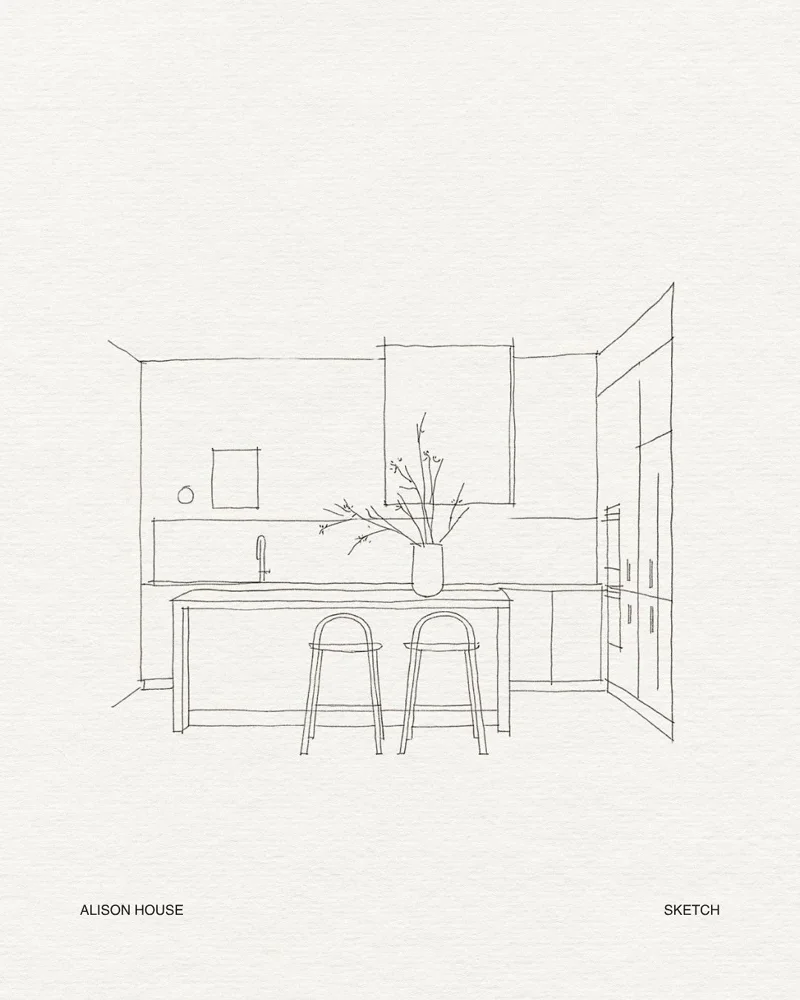
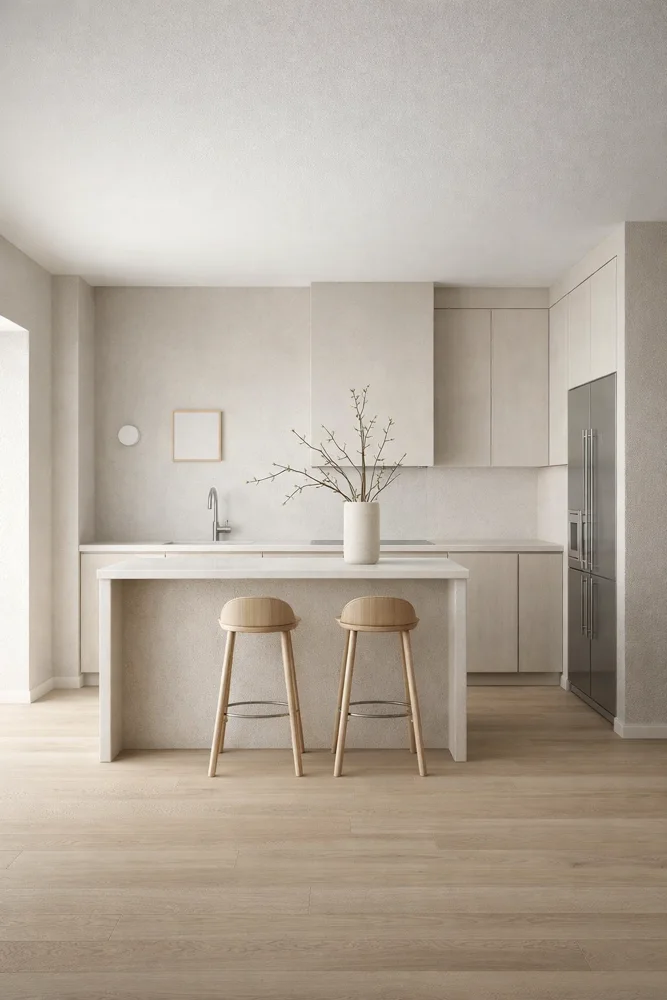
Turn your sketch, plan or model view into an image with materials and light.
Edit / 02Replace an object. Furnish the space with your reference. Rethink light, material and atmosphere.
Animate / 03Produce video from your images with drone, camera-move and time-lapse presets.
A preset is an AI operation prepared for a specific job. Pick your goal without writing a long prompt and let Syntina transform your image in that direction.
Real preset previews below ↓Turn a line sketch into an interior image with light, texture and material.
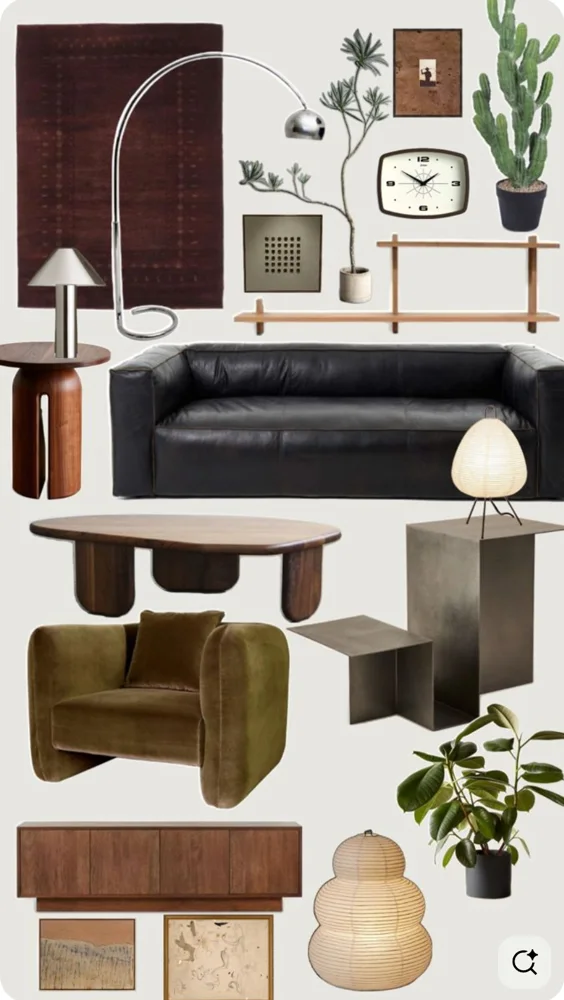
You have an empty space and pieces you love. Upload both: Moodboard to Render carries the design language of your reference into the space.
Start with a moodboard ↗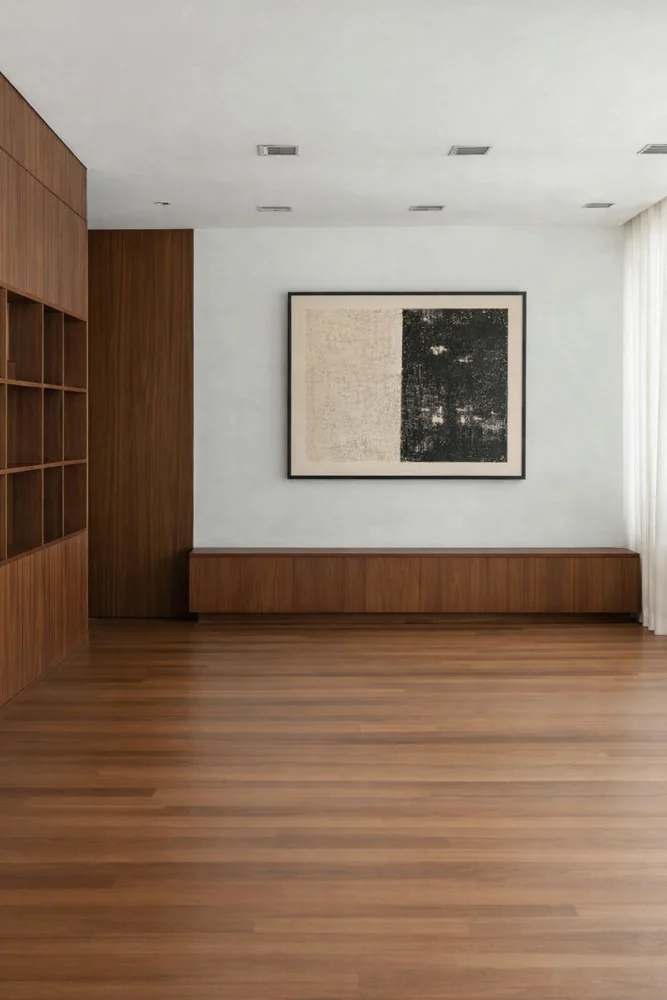
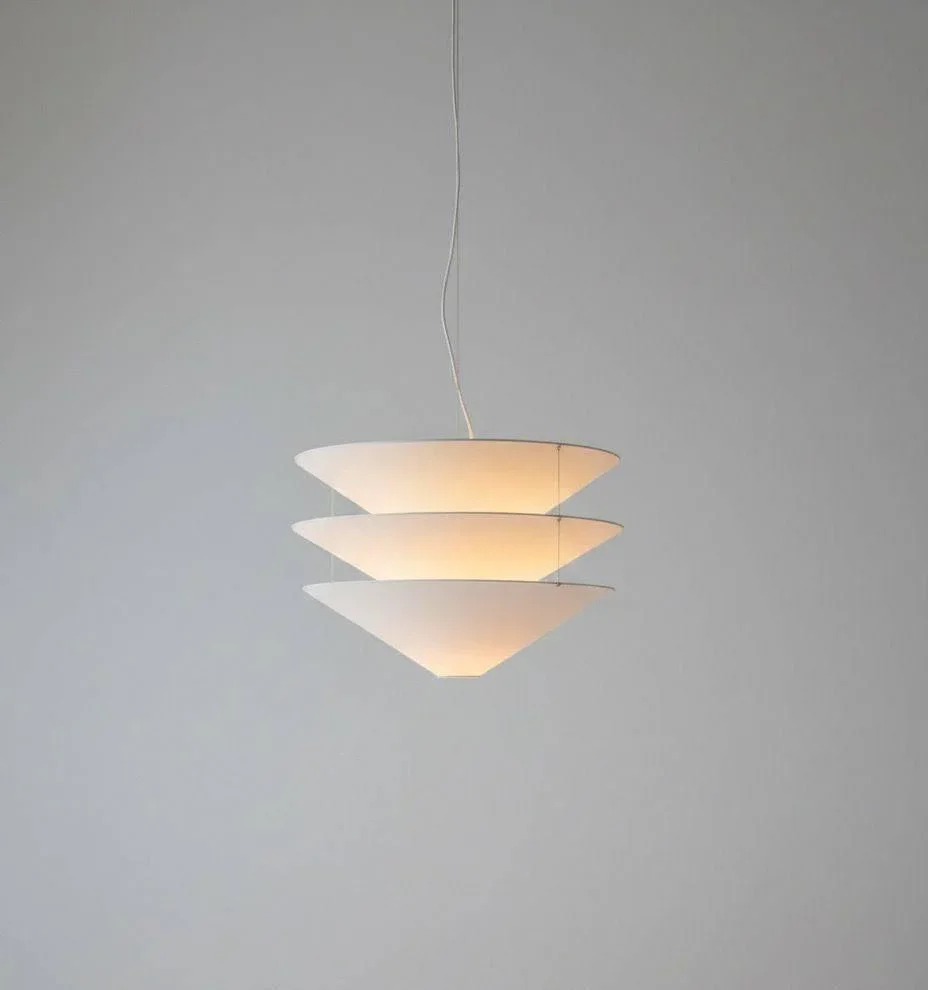
Upload the product you love as a reference. With Item Replace, put it in place of the existing object and see its effect in your space.
Try replacing an object ↗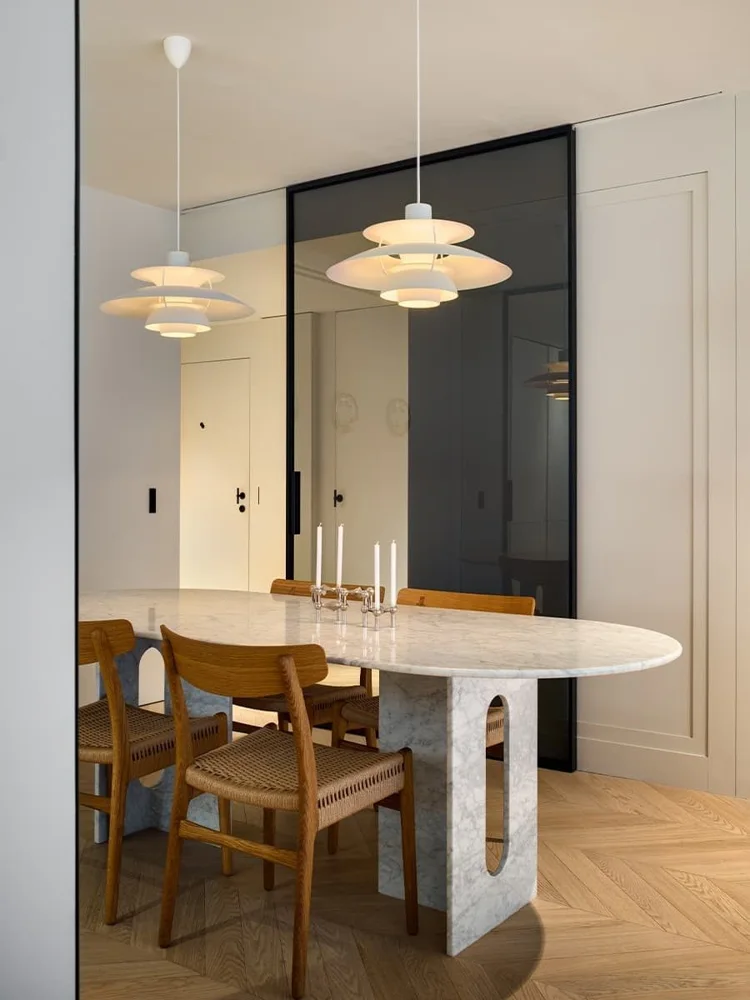
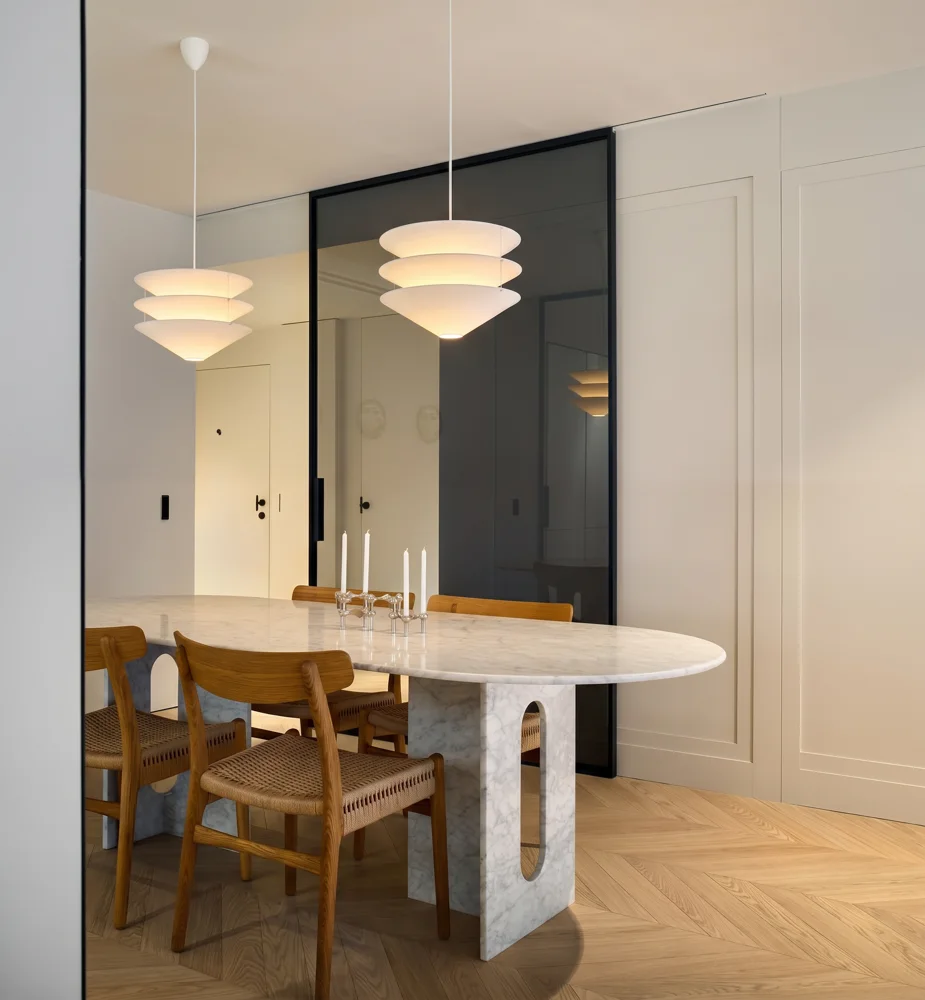
Upload your image and pick a preset that changes the time of day, the season or the weather. Rebuild the mood of your presentation.
Scroll or pick an atmosphere
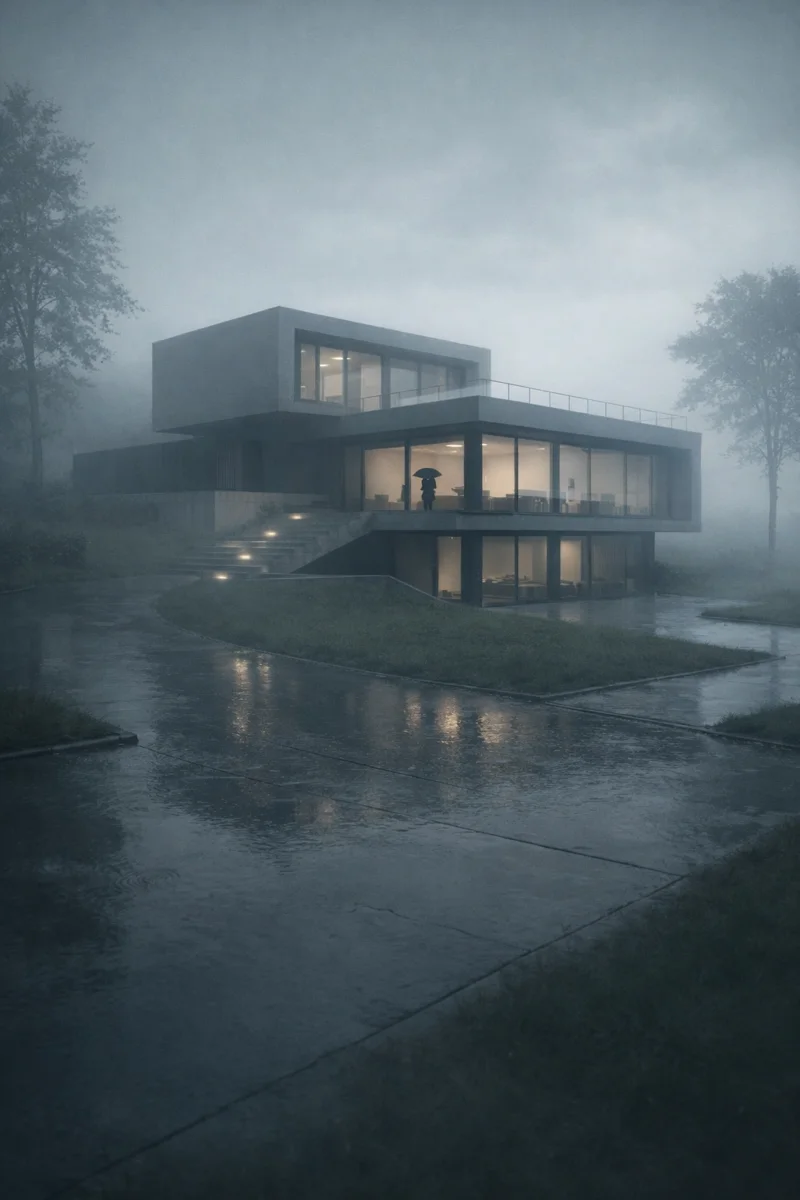
Upload an image and choose how you want it to move. With Syntina’s video presets, produce a camera move, a living scene or the passage of time.
A new camera move as you scroll
The video could not be opened. Try playing again.
A piece of furniture, a product, the object you imagine. Upload its image and let Syntina turn it into a textured 3D model. Rotate it, inspect it from different angles and carry it into your design workflow.
Turn your own object into 3D ↗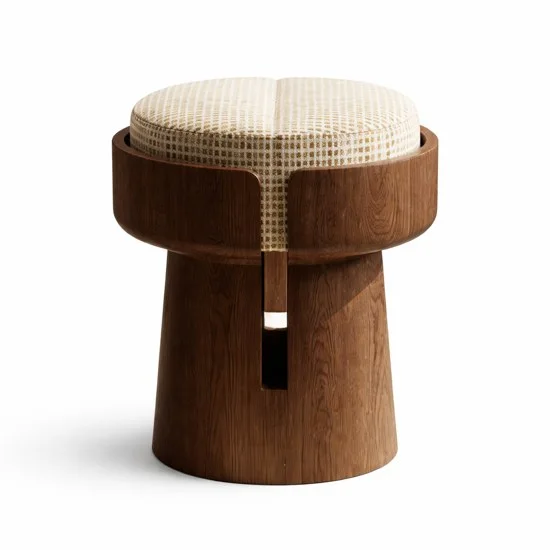
Your image.
In a new dimension.
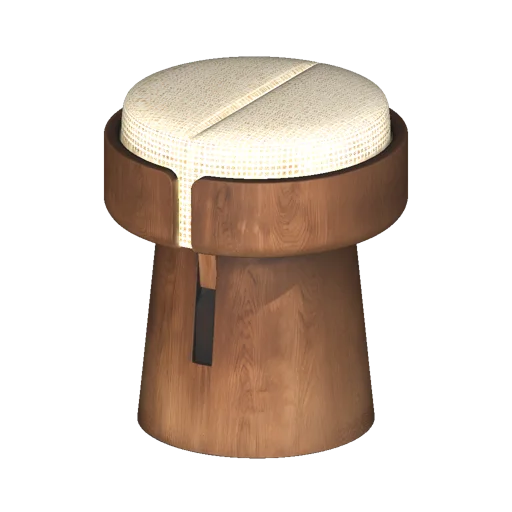
The 3D view could not be opened. You can still see the model preview.
A curved wooden body and woven seat. A 3D object made from a single image.
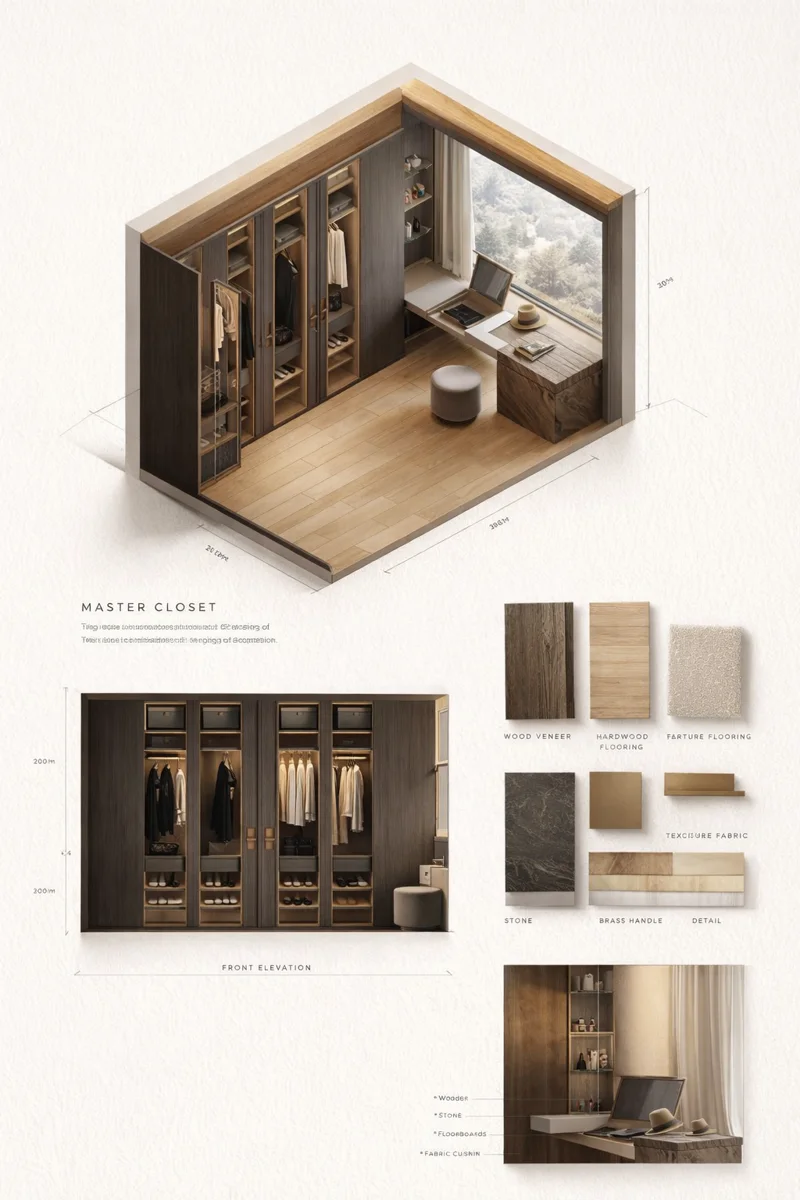
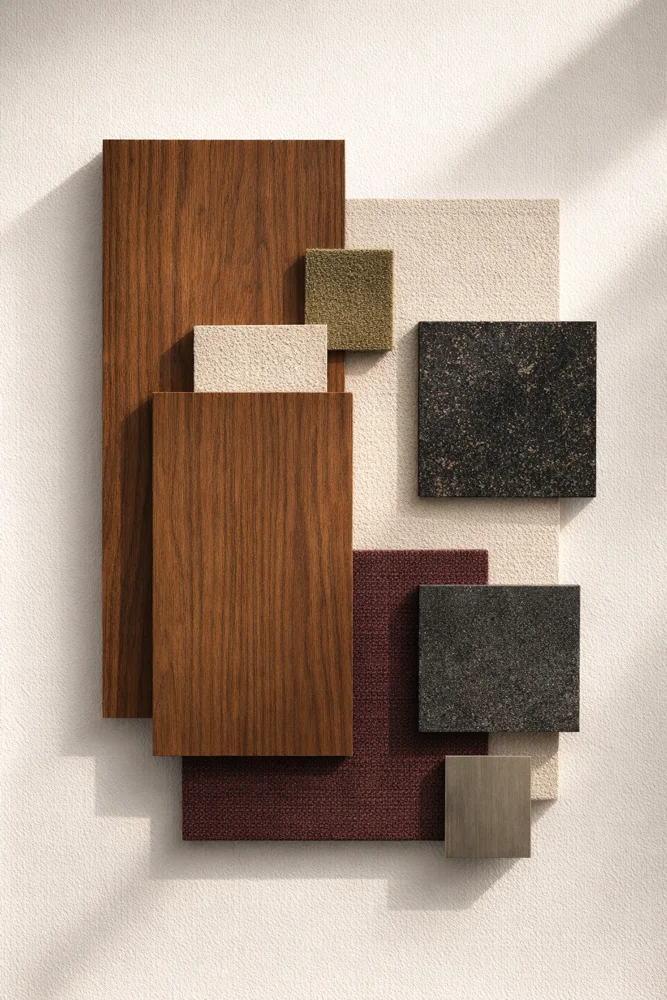
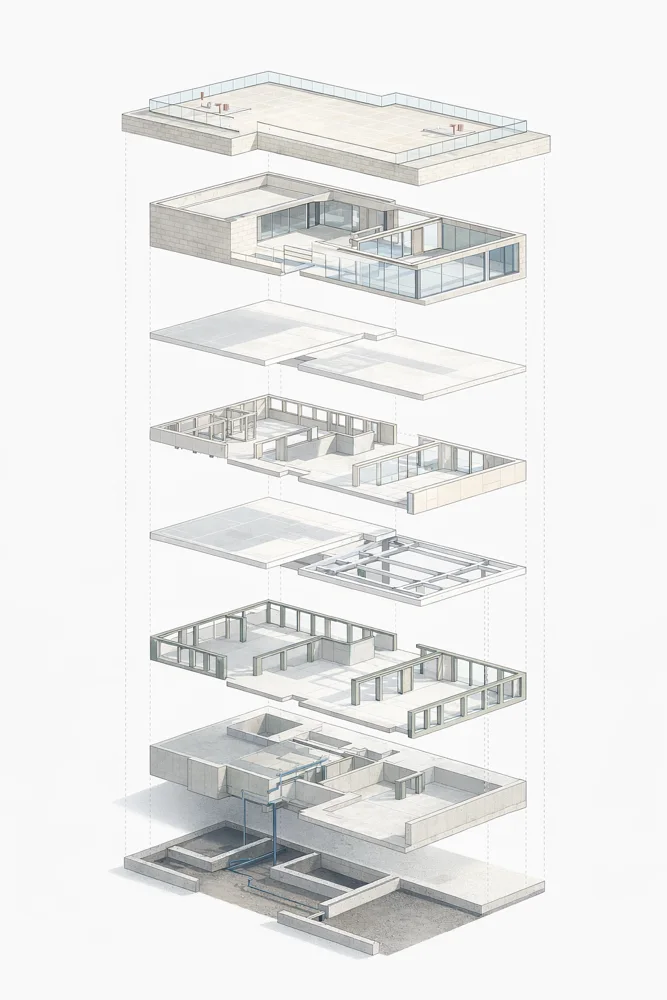
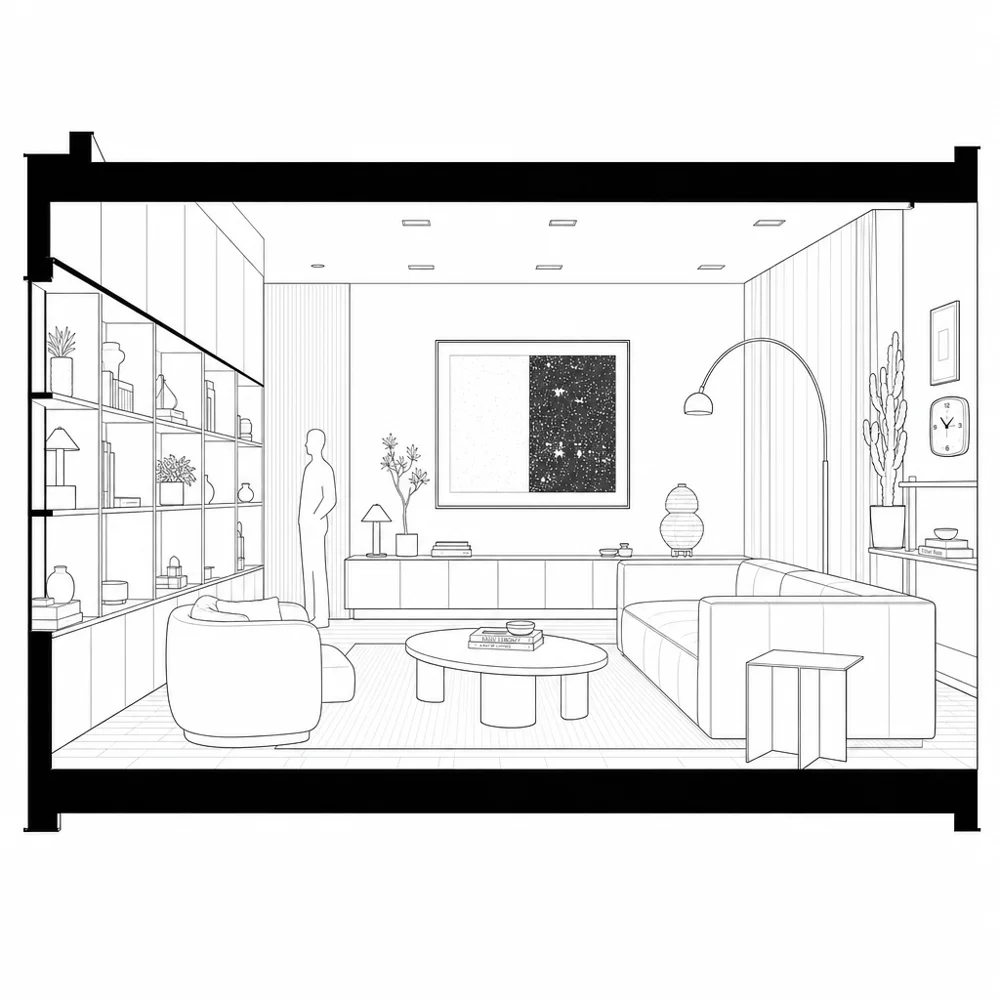
Tell the design in different forms. Extend your visual narrative with material palette, design board, section and exploded diagram presets.
These are AI-generated visual narrative examples; they are not dimensioned construction drawings or CAD files.
Start fast with presets. When you want more control, choose your own prompt, reference and model.
Start with your own image ↗A photo, a sketch, a plan or a view of your 3D model. No image? You can start generating from text too.
A render, a material change, a video, a 3D model? Pick the preset and add the references and settings it needs.
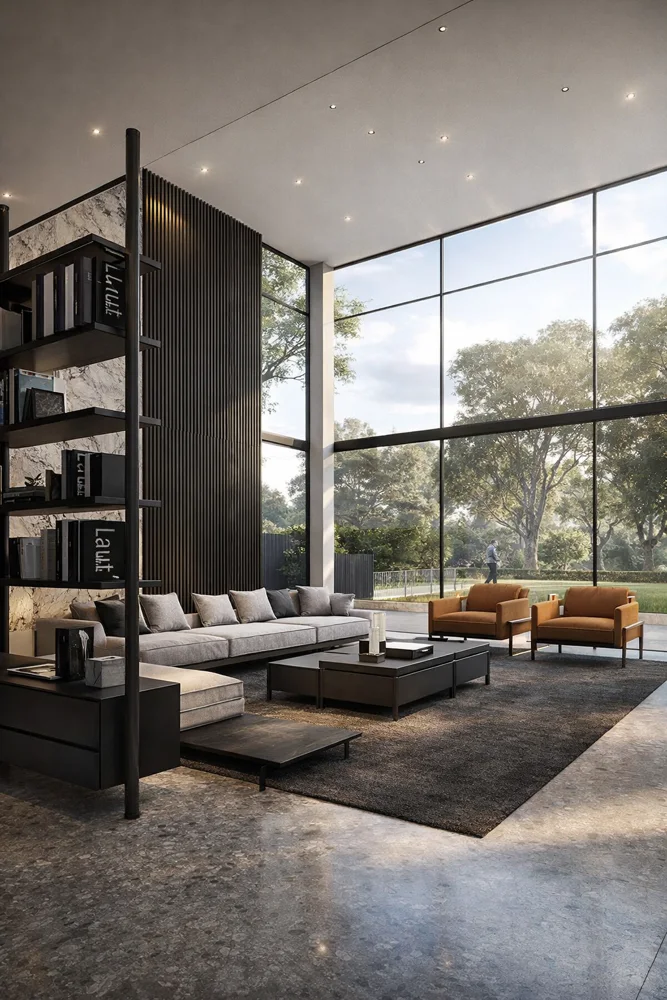 View to Render3D view → photorealistic render↗
Review the result, try another alternative or download it. Continue the next edit from the image you produced.
Move from your model into Syntina with the SketchUp, Blender and 3ds Max plugins. Or upload an image straight into the browser.
Explore the plugins ↗Syntina is an AI platform for generating images, video and 3D models. You can start from text or an image and, in one place, go from sketch to render, change materials, edit with a reference, turn an image into video and produce a textured 3D model from an object’s image. On this page you can inspect preset results and 3D models generated in Syntina.
A preset is an AI operation prepared for a specific purpose. Sketch to Render turns your sketch into a render, Studio Render turns your product into a studio shot. With presets you can start without writing long prompts. Depending on the operation, a reference image or an extra selection may be needed.
No. Beyond interior and architectural visualisation, you can use it for furniture and product presentation, concept development, image editing and video production.
Yes. You can upload a photo, a sketch, a plan or a view of your model. In presets such as Moodboard to Render and Item Replace you steer the result with your own reference images.
The model is the AI engine that does the generation. The preset is the ready recipe for what you want to do with that engine. You choose the model options that fit your job in the app, and you can browse the models in the model catalogue.
Sign in to the Syntina app and pick a preset to start. Generations use credits depending on the model and settings. Current packages and credit details are on the pricing page.
In the studio, or under a tree.
The space to make what’s on your mind visible is ready.