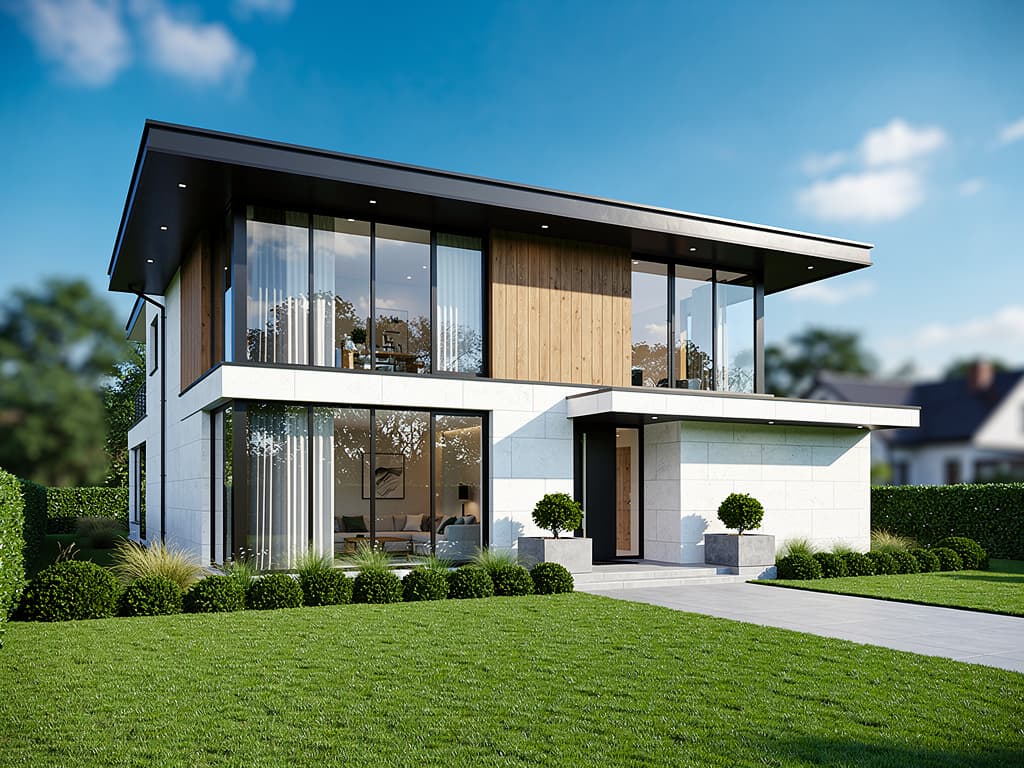
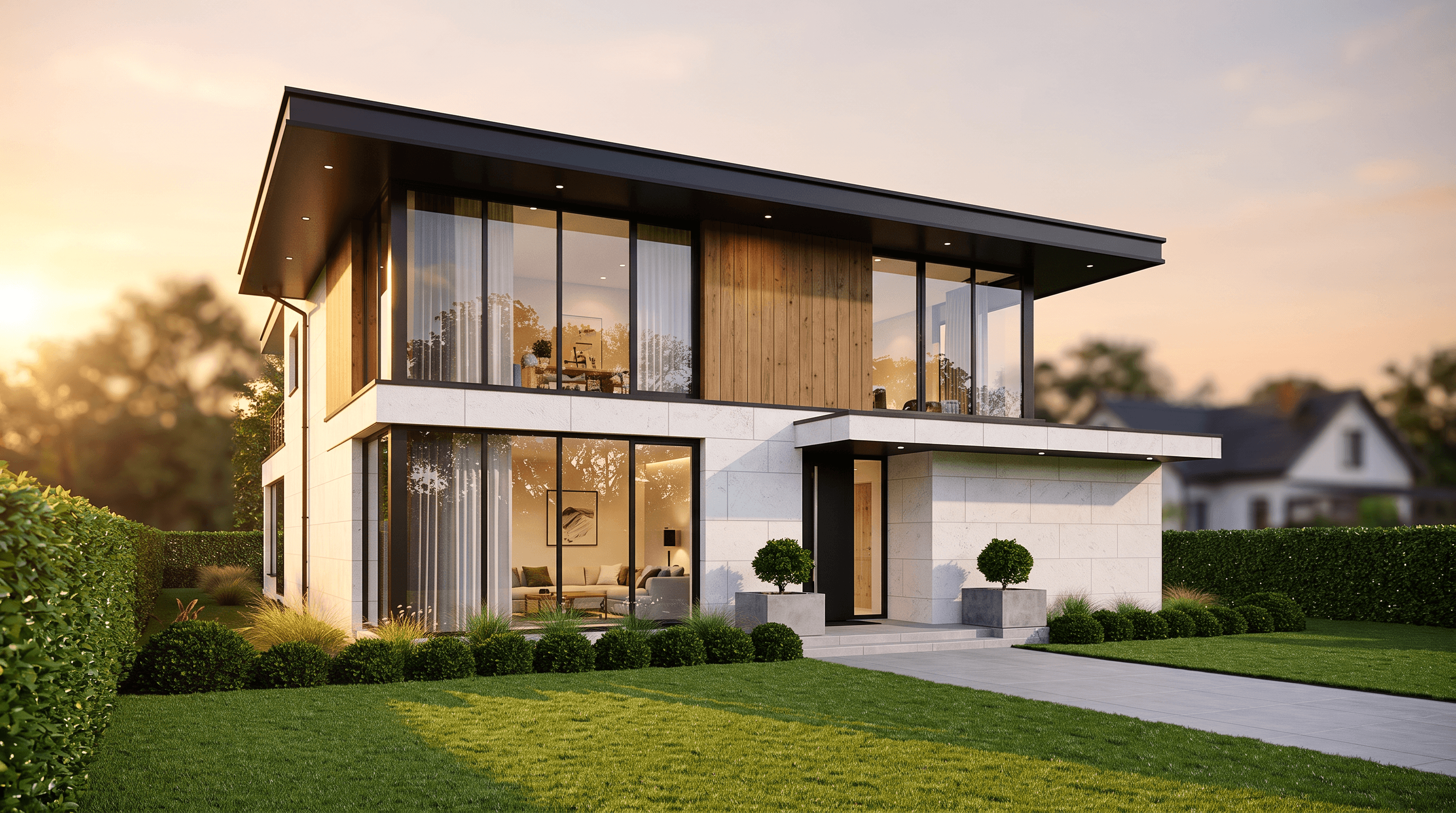
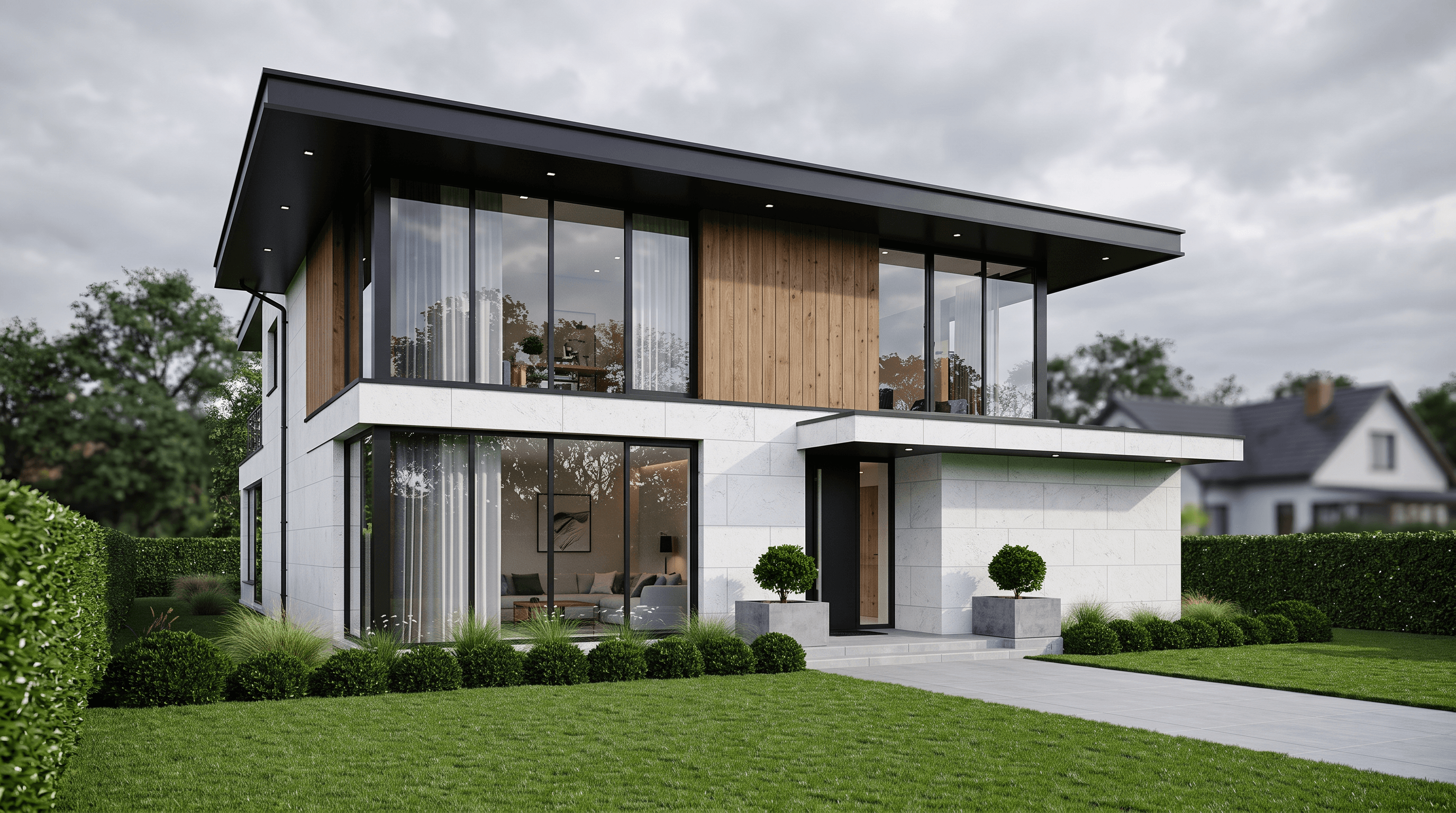
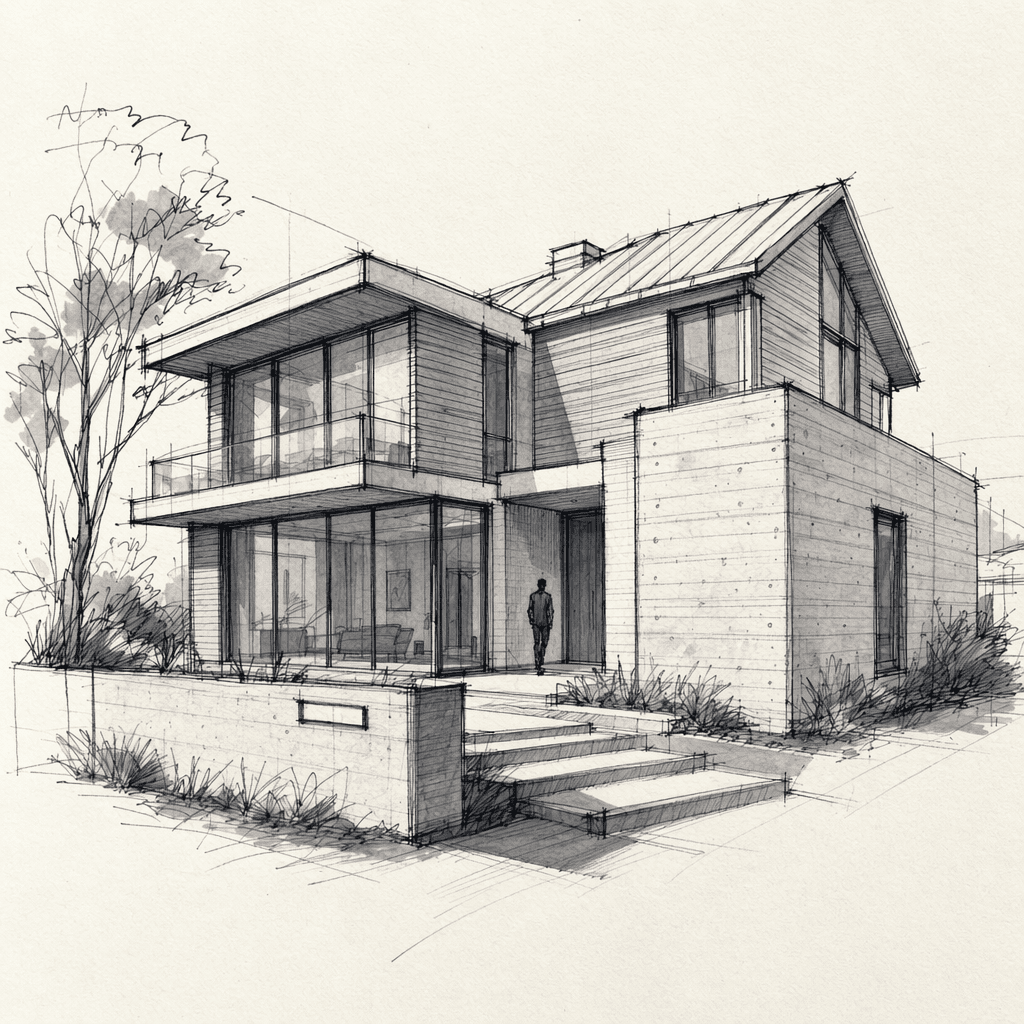
 Sketch
 2D Plan
 Viewport
 Rough render / Photo
The four input families every flow accepts — real frames from the sample sets on this site.
Step 1 · Input
Start with whatever you have.
A pencil sketch, a 2D CAD plan, a viewport capture from SketchUp/3ds Max/Blender, or a photo and rough render — every flow starts from one frame. Upload it in the browser, or send it straight from your modeling tool with the plugins. Higher-resolution inputs carry more detail into the result.
Which input suits which flow?