
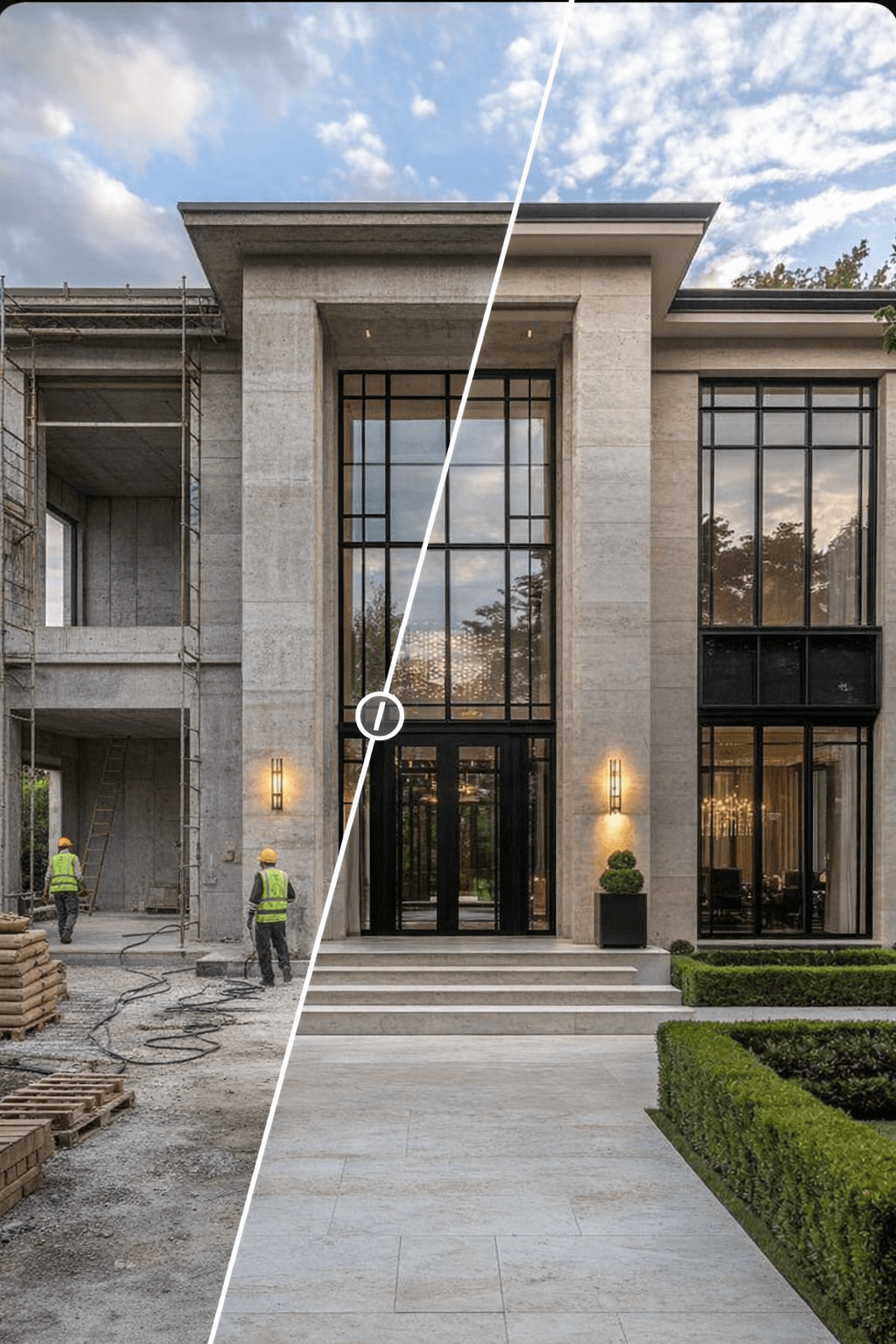
"How long does architectural rendering take" doesn't have one answer — it depends on scene complexity, your engine, and how many revisions the client asks for. What you can answer precisely is cost, because cost breaks down into a small, repeatable set of variables. This article walks through why we calculate it this way, step by step, so you can drop your own numbers in at the end and run the same formula yourself.
The short version
- Classic rendering cost = Staff cost + Electricity cost
- Staff cost = Total time (hours) × Hourly staff rate
- Electricity cost = Power draw (kW) × Total time (hours) × Electricity price
- AI cost = Number of images × (Credits per image × Credit price)
- For your own numbers, use the rendering cost calculator on syntina.ai (Turkish page).
The variables: what goes into the math
Before memorizing the formula, knowing where each variable comes from makes it easy to swap in your own project's numbers.
| Variable | What it represents | Where to find it | Example value used below |
|---|---|---|---|
| Number of images | Total frames to deliver, revisions included | Your project brief / contract | 20 |
| Render time (min/image) | How long the scene takes in your render engine | Average from your engine's render log | 45 min |
| Render power draw (kW) | Power your workstation/render node draws while rendering | A power meter, or an estimate from your GPU/PSU spec | 0.8 kW |
| Electricity price ($/kWh) | Your region's current utility rate | Your electricity bill | $0.15/kWh (example) |
| Hourly staff cost | The operator's hourly cost for setting up, watching and revising a render | Salary/day ÷ working hours | $60/hour (example) |
| Credits per image | The fixed credit cost of the model you're using | Product pricing page | 30 credits (Nano Banana Pro) |
| Credit price ($/credit) | Varies by plan | Your plan page | $0.01 (Business plan) |
Four of these seven variables belong to the classic side, two to the AI side; the seventh — number of images — is shared by both.
The formula
First, find total time — the shared denominator for both electricity and staff cost:
Total time (hours) = Number of images × (Render minutes / 60)
Then calculate classic rendering cost as the sum of two components:
Total classic cost = (Total time × Hourly staff rate) + (Total time × Power draw (kW) × Electricity price)
Why keep the two components separate? Because they scale differently: electricity cost can be cut by running renders in parallel (multiple machines rendering at once shortens total wall-clock time without changing total kWh consumed), while staff cost depends on how many renders one operator can watch at a time. The table below summarizes the split:
| Item | Formula | Note |
|---|---|---|
| Total time | Images × (min / 60) | Average time in V-Ray/Corona |
| Electricity cost | kW × hours × price/kWh | Price varies by region |
| Staff cost | Hours × hourly rate | Includes setup + revision time |
| Total | Electricity + Staff | Classic rendering total |
How V-Ray and Corona rendering cost is calculated
V-Ray and Corona are the two most widely used engines in architectural visualization. Quality is high in both, but what determines cost isn't the engine name — it's total render time. Render the same scene in both and time it, and you'll see which one is cheaper on your specific hardware.
The practical approach:
- Log the average render time per image.
- Add in trial/revision count — this is usually the most underestimated line item, and the one that inflates total time the most.
- Convert total time to hours and plug it into the formula.
Whether you're on V-Ray or Corona, this same table measures classic rendering cost fairly — what matters isn't the engine's name, it's the minutes/hours you actually measured.
How AI rendering cost is calculated
On the AI side, generation typically takes 30 seconds to a minute per image. Because of that, cost is driven almost entirely by credits per image — time effectively drops out of the formula, since electricity/staff time becomes negligible.
The assumption used in this article:
- Nano Banana Pro: 1 image = 30 credits
- Business plan: 1 credit = $0.01
So 1 image costs 30 × $0.01 = $0.30
Current plans and pricing are on the pricing page.
Example 1: a 20-image concept package (example values)
Using every example value from the variables table above:
- Number of images: 20
- Render time (per image): 45 min
- Render power draw: 800W (0.8 kW)
- Electricity price: $0.15/kWh (example value)
- Hourly staff cost: $60 (example value)
Classic rendering:
- Total time: 20 × 45 min = 900 min = 15 hours
- Electricity used: 0.8 kW × 15 h = 12 kWh
- Electricity cost: 12 × $0.15 = $1.80
- Staff cost: 15 × $60 = $900
- Total classic cost ≈ $901.80
AI (Syntina, Business plan):
- Cost per image: $0.30
- Total cost: 20 × $0.30 = $6.00
Result: 15 hours of time saved, roughly $895.80 in cost difference.
Example 2: a 5-image revision round (same unit values)
Keeping all seven unit values (minutes, kW, $/kWh, staff rate, credits, credit price) fixed and changing only number of images shows how the formula scales — this answers "does the difference matter on a small job, or only a big one?"
- Number of images: 5
Classic rendering:
- Total time: 5 × 45 min = 225 min = 3.75 hours
- Electricity cost: 0.8 × 3.75 × 0.15 = $0.45
- Staff cost: 3.75 × 60 = $225
- Total classic cost ≈ $225.45
AI (Syntina, Business plan):
- Total cost: 5 × $0.30 = $1.50
Result: 3.75 hours of time saved, roughly $223.95 in cost difference.
Put the two examples side by side and the ratio stays roughly constant (classic cost is around 150x AI cost in this example, because both sides scale linearly with image count) — what changes is the absolute dollar gap, which grows with project size while the ratio itself holds.
Interactive tool
Open the rendering cost calculator
Compare staff time, electricity and AI generation cost in the same table. Decide before you leave the article.
Plug in your own numbers
Both examples above run on example values from the variables table. To get a result that reflects your own project, swap in these four numbers:
- Your render time — pull the average render time from your last 5–10 projects' engine logs, instead of assuming "45 minutes."
- Your region's electricity price — use the rate on your actual utility bill; $0.15/kWh is only this article's example.
- Your hourly staff cost — divide an operator's fully-loaded monthly cost by their monthly working hours.
- Your current credit price — pull the $/credit value for your plan from the pricing page; it changes if you change plans.
Once you swap in those four numbers, the formula stays the same — only the result changes to reflect your real cost. Instead of running the math by hand every time, plug the same seven variables into the rendering cost calculator on syntina.ai (Turkish page) once.
Why the cost gap is this large
- Every revision in a classic pipeline means more time, more electricity, more staff hours — the "total time" variable in the formula grows with every revision.
- AI trial cost is low enough that producing several alternatives in the same day is realistic, because cost per image is fixed and small.
- Faster decisions at the presentation stage indirectly shorten the whole project (not part of this formula, but a real effect in practice).
When you still need a classic render engine
Classic rendering is still the right choice in several cases:
- Final marketing deliverables
- Large-scale projects where photorealism is the baseline expectation
- Work where precise control over light, material and detail is critical
For concept and fast-presentation stages, AI is usually far more efficient. See AI architectural visualization features for examples.
FAQ
What electricity price should I use in this formula? Use your region's current utility rate. The $0.15/kWh figure in this article is only an example value.
Is V-Ray or Corona cheaper? It comes down to scene complexity and total render time. Measure the time for your own project in each engine — the engine name doesn't enter the formula, the minutes you actually measured do.
What should I include in staff cost? Not just the time it takes to start the render — include scene setup, lighting, and time spent tracking revisions in the hourly rate. Otherwise classic rendering cost comes out lower than it really is.
How do I bring AI rendering cost down further? A clear brief, the right reference image, and getting the direction right on the first try all reduce cost. Presets speed up experimentation too.
Are AI results good enough for final marketing use? For many projects, yes. But if you need maximum photorealism and fine detail control, a classic render engine is still the better choice.
Related reading
If you want faster presentations, more alternatives and lower cost, this framework should give you a clear basis to decide.
Ready to get started? Try Syntina free.